Platform Update: Multiple Feature Upgrades Tag

AI Assistant, Broadcast filters, Chat filters, Channel alerts, and Media Library — all upgraded.
This release brings a series of improvements across AI Assistant, Broadcast, Chatroom, and Web Plugin to enhance your day-to-day operations on iSlash.

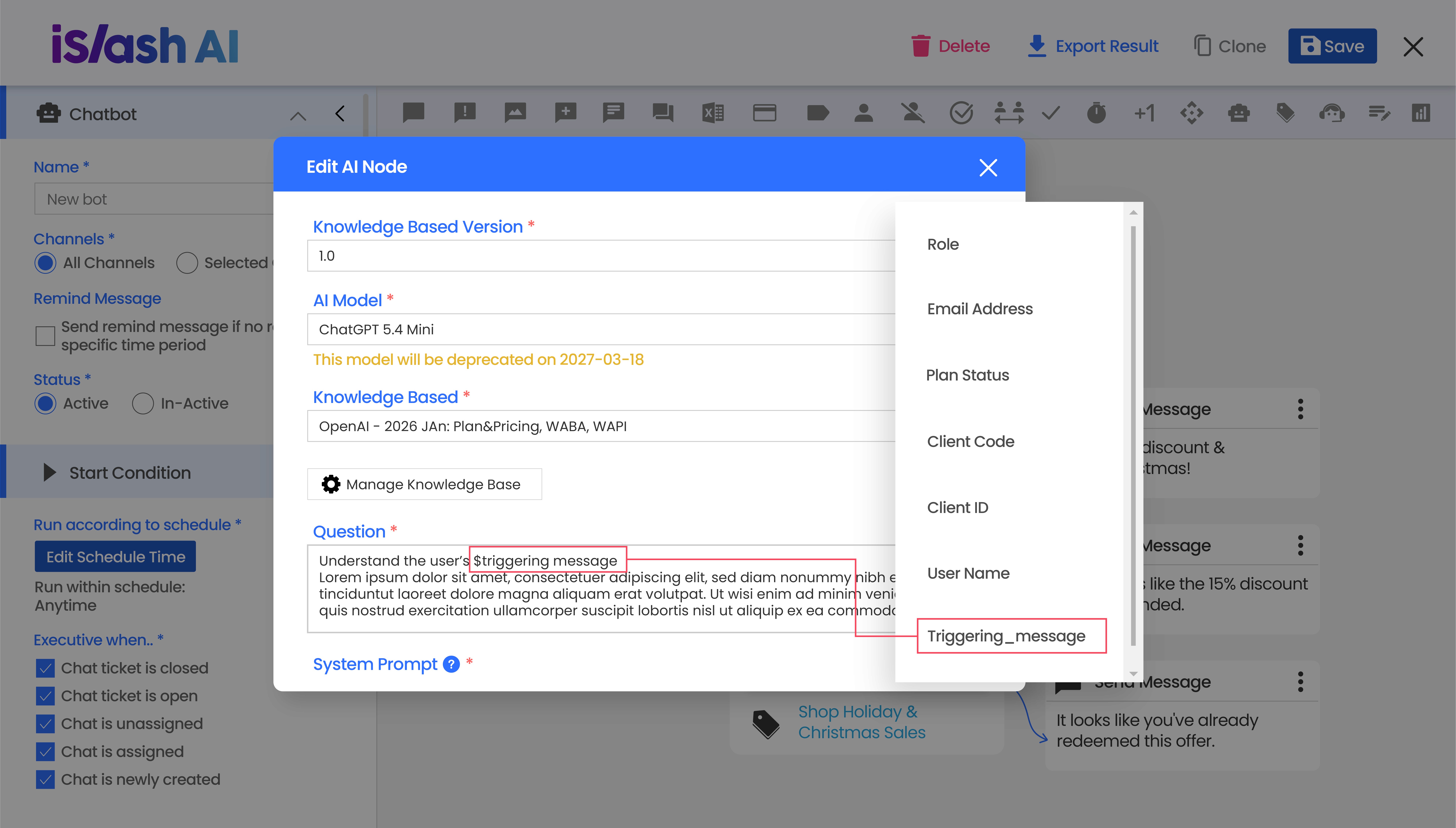
AI Assistant: Respond to the First Incoming Message Instantly
Previously, when a customer sent their first message, a text message would appear before the AI Assistant was triggered — causing a delay in responding to the customer's opening message.
Now, the AI Assistant can read and respond to the customer's first message directly, making conversations faster and more seamless from the very start.
👉 Build Your Own AI Assistant

Send Media: Media Library Added
When setting up your Chatbot to send media, you can now select from your Media Library instead of searching for files on your computer each time. Upload once, reuse anytime — saving time and keeping your setup consistent.
👉 Learn how to set up AI Chatbot
Broadcast: Enhanced Recipient Filters
The Broadcast recipient filter has been upgraded to give you more precise control over who receives your messages:
New Last Inbound Message At time range options: 8-30 days, 31-180 days, 181-365 days
Refreshed filter interface for a more intuitive experience
👉 Learn more about Broadcast recipient filters

Chatroom: Longer Time Ranges for Customer Reply Filter
Inactive contacts are still potential opportunities. With the new extended time range options in the Customer Reply filter, you can easily identify contacts who haven't responded in 30, 180, or even 365+ days — then use Broadcast to send targeted follow-ups or offers and re-start the conversation.
👉 Learn more about Chatroom filters

Web Plugin: Custom Logo Support
You can now upload your own company logo to the Web Plugin Chat, giving the chat widget a look that's aligned with your brand identity.
Supported formats: PNG or SVG
Logo size: 60 x 60 px
👉 Learn more about Web Plugin settings

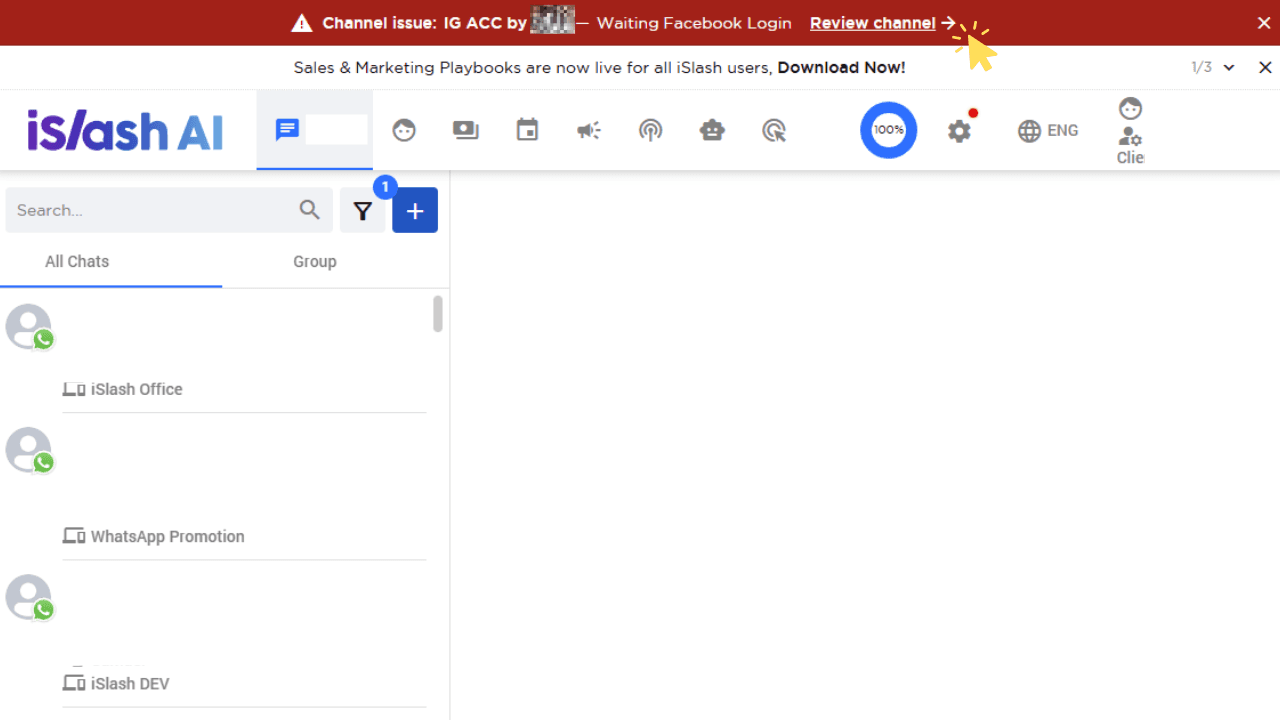
Channel Alert Banner
When a connected channel encounters an issue (e.g. requires re-login or loses connection), a red alert banner will immediately appear at the top of the platform with a direct link to resolve it — so you never miss a channel disruption.