WhatsApp API: Broadcast — Filter & Search Recipients
Last update:
When creating a broadcast, use the「Filter」function to precisely target the right contacts and ensure your message reaches the most relevant audience
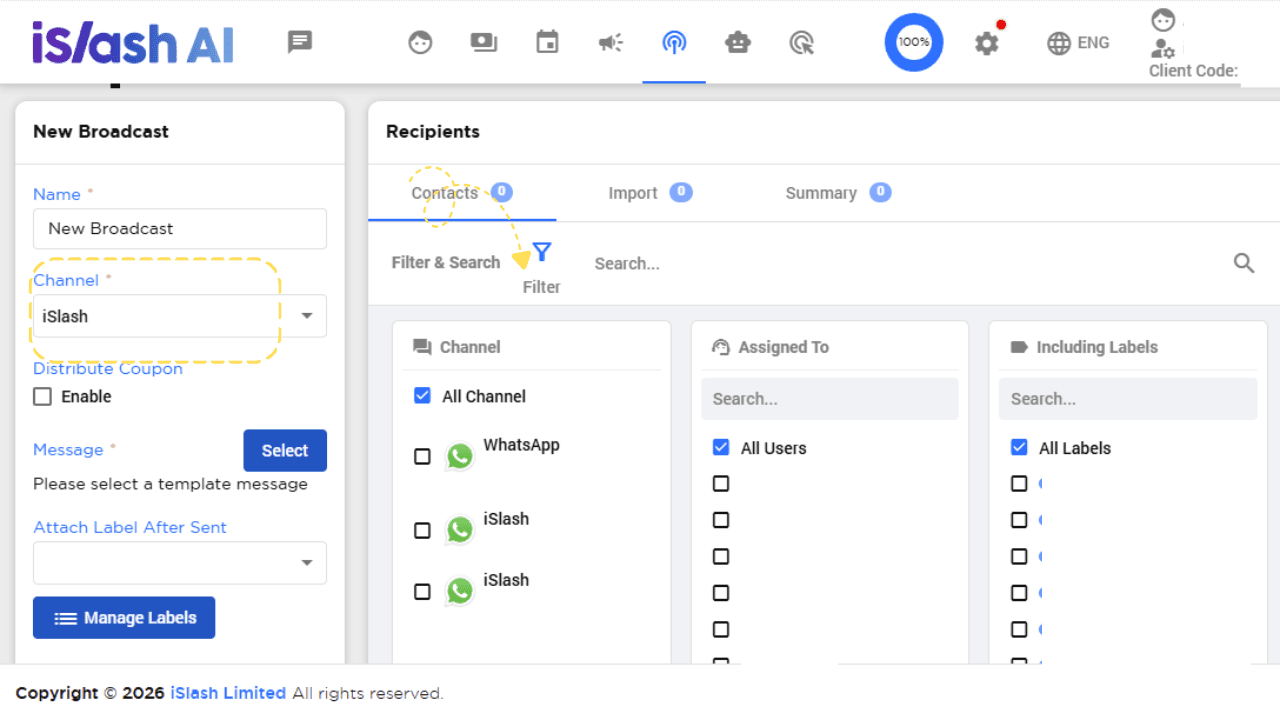
Filter Options
Channel | Select the WhatsApp API number to filter contacts by. | 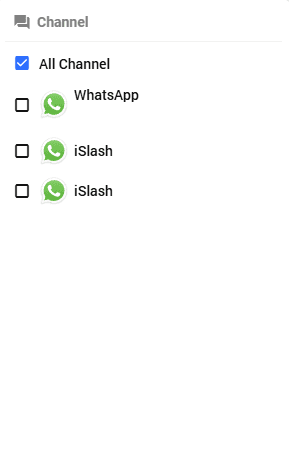 |
|---|---|---|
Assigned To | Filter contacts by the team member assigned to the conversation. | 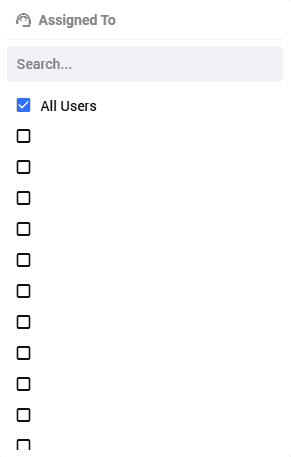 |
Including Labels | Only send to contacts with specific labels applied. | 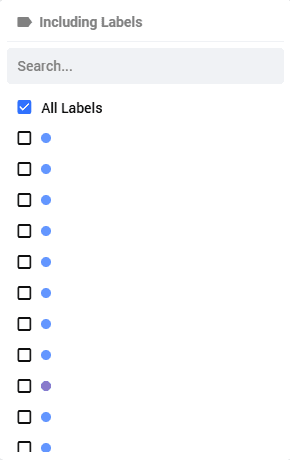 |
Excluding Labels | Exclude contacts with specific labels from receiving the broadcast. Multiple labels can be selected. | 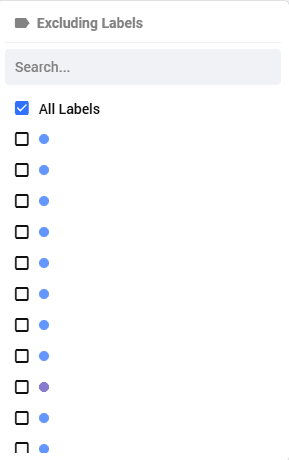 |
Last Inbound Message At | Filter contacts based on the last time they sent a message to you. | 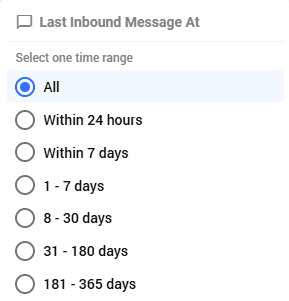 |
Do-not-call | Filter contacts based on their registration status on the Hong Kong government's Do-not-call Registry: | 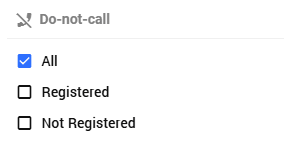 |
Once all filter conditions are set, click「Apply」in the bottom right to update the contact list. To reset all conditions, click「Clear All」.
Insights


How do I use filters to find inactive contacts?
Use the Last Inbound Message At filter and select "31 - 180 days" or "181 - 365 days" to identify contacts who haven't interacted in a while. You can then send a targeted broadcast to re-engage them
How do I avoid sending messages to irrelevant contacts?
Use Including Labels and Excluding Labels together. For example, include "VIP Customer" and exclude "Unsubscribed", to ensure the broadcast only reaches your intended audience.
What is the Do-not-call filter for?
iSlash AI is integrated with the Hong Kong government's Do-not-call Registry. Before sending a broadcast, select "Not Registered" to exclude registered contacts and ensure your broadcast complies with Hong Kong regulations.