Get Your WhatsApp Ready for Peak Season with 2 New AI Features!
Two new AI features on iSlash AI, plus a five-point checklist to get your WhatsApp ready

Your peak-season WhatsApp checklist
Check your WhatsApp ready before the rush:
[ ] Can you respond to customer enquiries outside office hours?
A customer messages you at 11pm to ask whether your 11.11 offer includes free delivery. If no one is available to reply, they may have to wait until the next morning, or turn to another business.
With iSlash AI, you can:
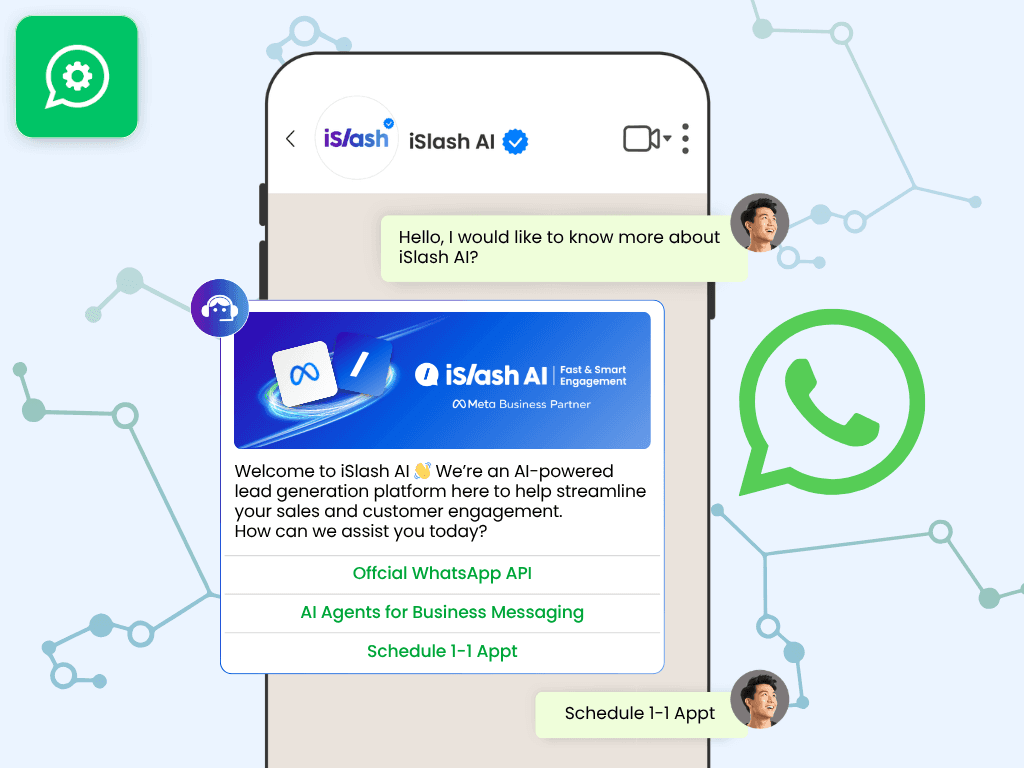
🤖 Set up AI replies for common enquiries using your business information, such as offer terms, opening hours and delivery options.
💬 Hand over questions that need human attention to your team.
This helps customers get timely answers without your staff having to stay online around the clock.
[ ] Can your team keep track of conversations across different channels?
Peak-season enquiries don't only come through WhatsApp. They may come from Facebook, Instagram, WeChat and your website live chat, too. When messages are spread across different platforms, it's harder to keep track of who's handling each customer and what needs to happen next.
With iSlash AI, you can:
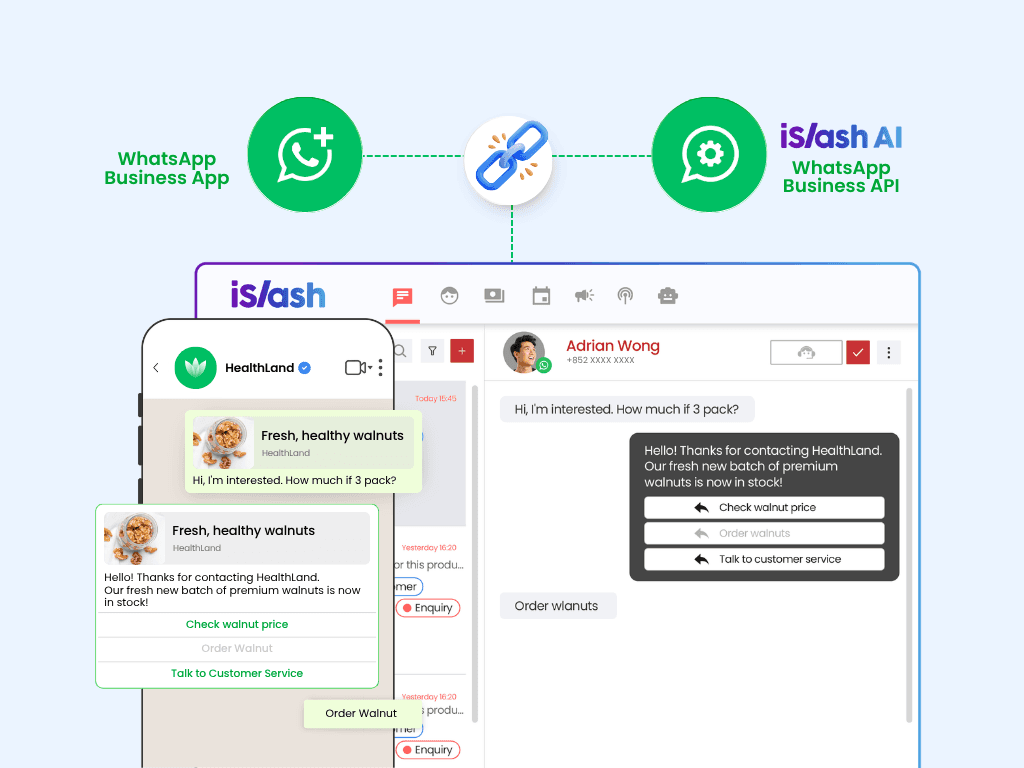
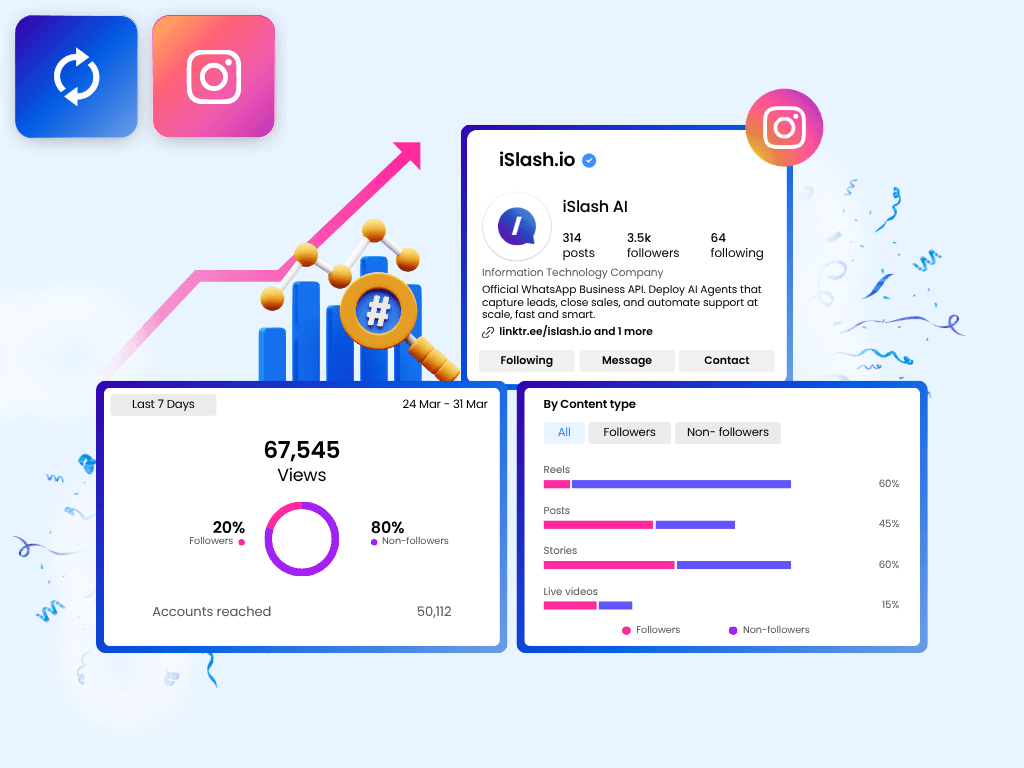
📥 Bring messages from WhatsApp, Facebook, Instagram, WeChat and website live chat into one shared inbox.
👥 See who is handling each conversation and where it stands.
🔄 Hand over enquiries more easily, avoid duplicate replies and keep follow-ups on track.
[ ] Can you reach the right customers without building every list by hand?
Your 11.11 promotion is ready to go, but sending the same offer to everyone may mean reaching customers who aren't interested. Meanwhile, finding customers who have shown interest in your products by reviewing chats one by one takes time, especially when you have a large contact list.
With iSlash AI, you can:
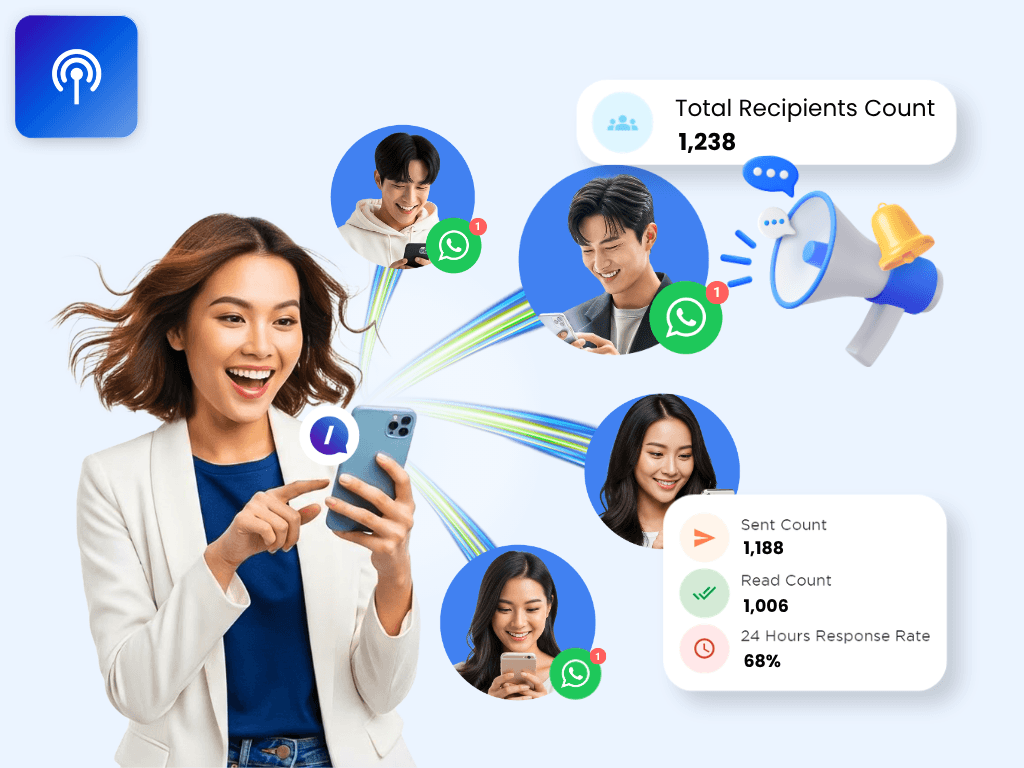
📣 Send broadcasts to unlimited customers
✉️ Personalise messages with each customer's name and details.
✅ Use smart filters to quickly and accurately target customer groups, such as dormant customers and hot leads.
Build your targeted list in <1 minute, and spend more time engaging the right customers.
[ ] Can customers discover your products easily through WhatsApp?
During a busy sales period, customers may want to compare products, check prices or browse your latest offers before deciding what to buy. If finding the right product takes too many steps, they may lose interest before making a purchase.
With iSlash AI, you can:
🛍️ Share your WhatsApp catalog so customers can browse products, prices and details.
🎠 Send product carousels to showcase several items in one message.
🔗 Include product links when you want to direct customers to a specific page.
This makes it easier for customers to explore your offers and take the next step towards a purchase.
[ ] Can customers complete their next step without unnecessary back-and-forth?
A customer wants to register for an event, arrange a pick-up or pay for an order. If your team has to collect details through multiple messages, coordinate schedules manually or send payment information separately, the process can become slow for both sides.
With iSlash AI, you can:
📝 Use in-app forms to collect delivery addresses, event registrations or enquiry details directly in WhatsApp.
📅 Let customers choose available appointment or pick-up slots through calendars.
💳 Send payment links directly in WhatsApp, making it easier for customers to complete their purchases and reducing cart abandonment.
This reduces manual coordination and makes it easier for customers to complete their requests.
New on iSlash AI: two AI features to help you focus on the right customers
The checklist gets the basics in place. But during peak season, handling more conversations is only part of the challenge.
Your team also needs to know which customers to follow up with and who may be interested in each offer.
That's where our two new AI features come in.
1. Auto Tagging: know which customers need attention first
Why you need it: When enquiries flood in, customers who are ready to buy can get buried in the queue. If your team has to read and label every conversation manually, it becomes harder to spot who needs attention first.
What it does: AI reads customer conversations and suggests a relevant label, such as "Ready to buy", "Booking" or "After-sales". Your team can identify customers who may be ready to buy and follow up more efficiently, instead of treating every conversation as the same priority.
🎯 See customer intent at a glance and prioritise follow-ups
⚡ Spend less time reading and tagging every conversation by hand
👥 Help your team decide what to do next based on each customer's needs
2. AI Suggested List: find the right audience for each offer
Why you need it: Sending the same offer to your entire list may mean reaching customers who aren't interested, while the people most likely to respond get lost in the crowd. But reviewing conversations one by one to build a targeted list takes time.
What it does: When you're sending a promotional coupon, AI can identify customers whose previous conversations indicate an interest in your products or related enquiries. You can customise the prompt to refine the recommendations, then review and adjust the recipient list before sending.
🔍 Find relevant recipients based on what customers have discussed with your business
👥 Analyse up to 10,000 customers per list suggestion
✉️ Send personalised messages with each customer's name and details filled in
⚙️ Review and customise your recipient list before sending
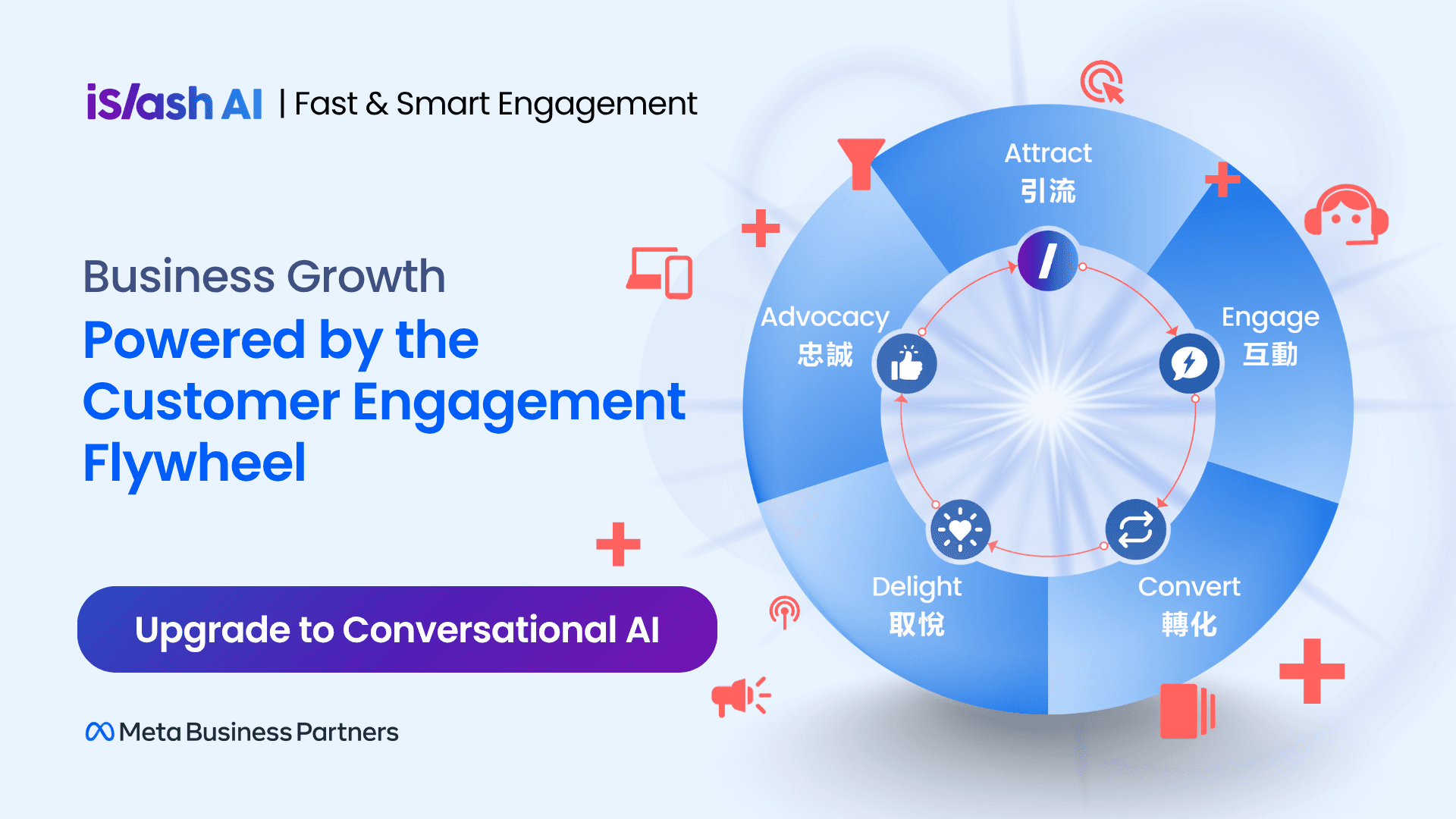
From the first broadcast to the next purchase
Peak season isn't won by sending more messages. It's about making better use of every customer interaction, from the first offer to the next purchase.
📣 Reach: Targeted broadcasts and AI Suggested List help you reach customers who may be interested in your offers.
💬 Engage: AI replies help handle common enquiries, while Auto Tagging helps your team identify customer intent and prioritise follow-ups. The omnichannel team inbox keeps conversations and handovers organised.
🛒 Convert: Catalogs, product carousels, forms and payment links make it easier for customers to explore products and take the next step.
🔁 Retain: Customer profiles, labels such as "After-sales" and "Repeat buyer", and personalised broadcasts help you maintain relationships and encourage repeat purchases for 12.12, Christmas and Chinese New Year.
With customer conversations, follow-ups and broadcasts managed on iSlash AI, your team can keep track of customer interactions in one place and see what needs attention next.
Already using the WhatsApp Business App? You don't have to switch.
With WhatsApp Coexistence, Meta's official solution, you can keep your existing WhatsApp Business number and continue replying from the Business App on your phone, while your team uses the iSlash AI platform at the same time.
✅ Keep your WhatsApp number
✅ Continue using the WhatsApp Business App
✅ Sync supported chat history to iSlash AI
✅ Add AI replies, a shared team inbox, targeted broadcasts and automation
This means you can build on the customer relationships you've already established, while adding more ways to understand, manage and engage those customers through iSlash AI.