Worried About Getting Your WhatsApp Business Account Banned?
Upgrade to the API Without Losing Your Number & Chat History

When your business is just starting out, one phone and the WhatsApp Business App are usually all you need.
But as your customer base grows, so does the number of messages you send: promotions, new arrivals, appointment reminders. Many businesses find that once they start messaging at scale, their account gets restricted, or even banned.
If that sounds familiar, or you're worried it might happen, you've probably come across "WhatsApp API" while searching for a fix. And you probably have three concerns:
"Our customers have known this number for years. What happens if we change it?"
"Our team is used to the Business App. We don't want to start over."
"Our chat history is our business. We can't afford to lose it."
Here's the good news: you don't have to choose anymore. WhatsApp Coexistence lets you keep your number, your Business App and your chat history, while using the WhatsApp API to reach more customers with confidence.
In this article, we'll cover why messaging at scale on the Business App can get your account restricted, how the WhatsApp API solves this, and how WhatsApp Coexistence lets you have both.
The 4 types of WhatsApp at a glance
Not all WhatsApp accounts are the same. Here’s how the 4 options compare:
WhatsApp Personal | WhatsApp Business App | WhatsApp Coexistence with iSlash AI | WhatsApp API | |
|---|---|---|---|---|
User login | 1 phone, 4 linked devices | 1 phone, 4 linked devices | 1 phone, 4 linked devices; unlimited on the API | Unlimited |
Customer segmentation | ✗ | Limited labels | In-app labels; unlimited on the API | Unlimited |
Data backup | iCloud / Google Drive | iCloud / Google Drive | iCloud / Google Drive & iSlash AI | iSlash AI |
Broadcast | ✗ | Max 256 contacts per broadcast list | Sent through iSlash AI | Unlimited |
Automation | ✗ | Greeting and away messages | Advanced automation on the API | Advanced automation on the API |
AI agents | ✗ | ✗ | Powered by ChatGPT and Gemini | Powered by ChatGPT and Gemini |
The WhatsApp Business App was designed for small businesses having one-to-one conversations. Once you need more people, more customers and more automation, you need a tool built for that scale.
Why messaging at scale on the Business App can get your account restricted
At the heart of WhatsApp's business policy is one goal: a great experience for users. People can block or report businesses, and if an account receives a lot of negative feedback, WhatsApp may limit its messaging or, in serious cases, ban it.
Because the Business App is built for one-to-one chats, using it for large-scale promotions often leads to:
Messaging people who didn't ask to hear from you, such as contacts who never reached out or never agreed to receive promotions
Sending the same message to everyone, so some customers get content that isn't relevant to them and are more likely to block or report you
Sending identical messages in bulk: the exact same text and image sent to a large list can easily be seen as spam
Not offering a way to opt out, so customers who no longer want your messages have no option but to block or report you
Using unofficial bulk-messaging tools: to get around broadcast list limits, some businesses turn to modified apps or third-party plugins, which go against WhatsApp's terms
In other words, the issue isn't messaging customers. It's using tools and methods that weren't built for messaging at scale. As your business grows, you need an official solution designed for exactly that: the WhatsApp API.
What is the WhatsApp API, and how is it different from the Business App?
The WhatsApp API, officially the WhatsApp Business Platform, is Meta's official solution for medium and large businesses. There's no phone app. Instead, you use it through a Meta Business Partner platform like iSlash AI.
Here are the 4 key differences:
Your whole team can work together
The Business App supports up to 4 linked devices. With the WhatsApp API on iSlash AI, multiple team members can reply at once, and chats can be auto-assigned to whoever is on shift, so every customer has an owner.
Meta-approved message templates for reliable messaging at scale
This is one of the biggest differences from the Business App:
Within 24 hours of a customer messaging you, you can reply freely.
After 24 hours, or when you start the conversation, you use a message template pre-approved by Meta, such as a promotion, appointment reminder or order update.
Having templates approved may sound like an extra step, but it's exactly what lets businesses reach customers at scale in a structured way. Every message has a clear purpose, and customers receive the information they agreed to. It's far more reliable than mass messaging from a single phone, and it helps protect your number and your brand.
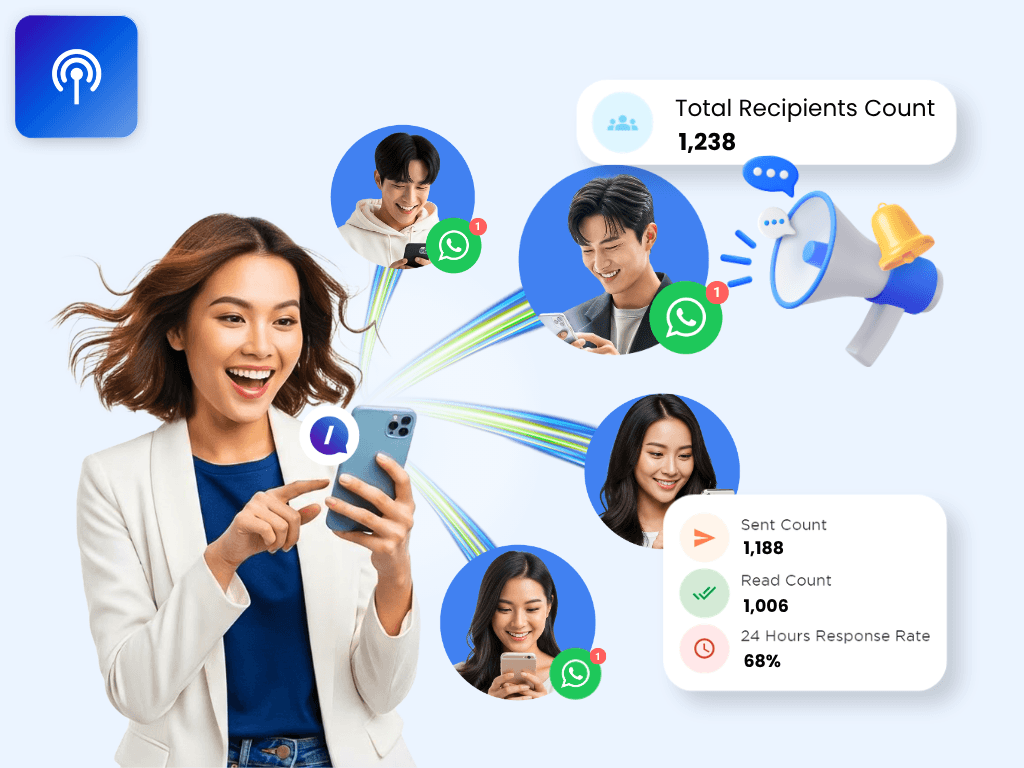
Broadcasts without the 256-contact limit, plus smart targeting
Each broadcast list on the Business App is capped at 256 contacts. The WhatsApp API has no such cap, and with iSlash AI's filters, you can send only to the right customer segments and personalize every message.
Automation and AI agents
The Business App's automation is limited to greeting and away messages. The WhatsApp API supports full automated reply flows, and iSlash AI adds AI agents powered by ChatGPT and Gemini, so after-hours inquiries get answered right away.
A note on cost: Meta charges messaging fees on the WhatsApp API based on message category. iSlash AI offers a free trial with no time limit and no platform fee.
Why not both? The Business App + API on the same number
By now, you might be thinking: "The API would let me message customers with confidence, but I really don't want to give up my Business App, my number or my chat history."
That's exactly what WhatsApp Coexistence is for.
What is WhatsApp Coexistence?
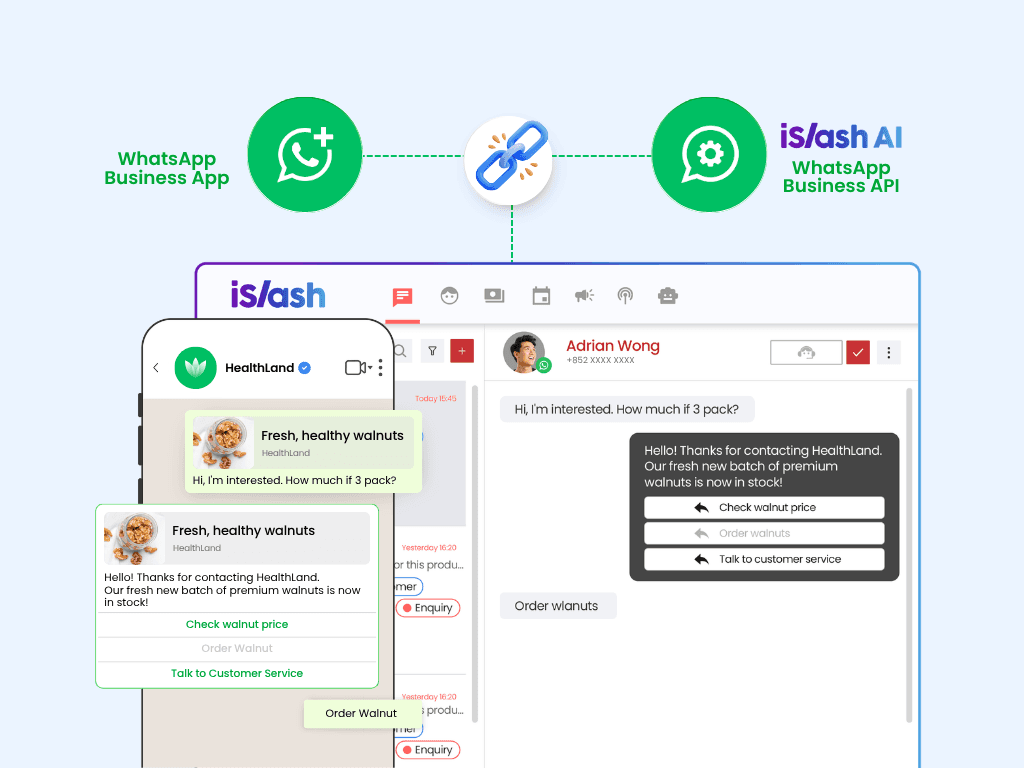
WhatsApp Coexistence connects the same number to both the WhatsApp Business App and the WhatsApp API.
Once you're connected:
You and your team can keep replying to regular customers in the Business App on your phone
At the same time, the iSlash AI platform handles AI auto-replies, chat assignment, targeted broadcasts and more
Messages stay in sync on both sides: replies sent from your phone show up on the platform, and messages sent from the platform show up on your phone
What you keep
✅ Your existing WhatsApp number, so customers don't need to update your contact details
✅ The Business App on your phone, so your team keeps working the way they're used to
✅ Your chat history: one-to-one chats from roughly the last 6 months are synced to the iSlash AI platform
What you gain
🤖 24/7 AI replies, so late-night and holiday inquiries get an instant response
👥 Chats auto-assigned by shift, so every customer has a dedicated team member
🎯 Targeted broadcasts: filter by customer segment, personalize each message, with no 256-contact limit
🏬 All branch numbers in one inbox, so you can see every branch's conversations on one screen
💾 Centralized chat records: on top of your phone backup, conversations are saved on the iSlash AI platform
WhatsApp Coexistence FAQ
Q: Will my customers notice any difference?
A: No. They'll still see the same number and the same business name, and their chat experience stays the same.
Q: Will I lose my old chats?
A: No. Your chats stay on your phone, and one-to-one chats from roughly the last 6 months are synced to the iSlash AI platform.
Q: Can I still reply to customers from my phone?
A: Yes. You keep using the Business App as usual, and replies from your phone are synced to the platform.
Q: How much does it cost?
A: iSlash AI offers a free trial with no time limit and no platform fee. Meta charges separately for messages sent through the WhatsApp API, based on message category.
Which option is right for you?
Your situation | Recommended |
|---|---|
Just starting out, with one or two people handling a small number of customers | WhatsApp Business App |
Using the Business App for a while, with a growing customer base, wanting to broadcast with confidence while keeping your number, app and chat history | WhatsApp Coexistence with iSlash AI |
A new business number, or multiple branches and teams needing high-volume messaging and full automation | WhatsApp API with iSlash AI |
Every business is at a different stage. Here’s a quick way to see which option fits yours:
Just starting out? If one or two people are handling a small number of customers, the WhatsApp Business App is all you need.
Growing fast, but not ready to let go of the Business App? If you want to broadcast with confidence while keeping your number, your app and your chat history, WhatsApp Coexistence with iSlash AI is built for you.
Running multiple branches or teams? If you’re setting up a new business number or need high-volume messaging and full automation, go with the WhatsApp API with iSlash AI.
5 good habits for messaging customers on WhatsApp
Good messaging habits still matter after you upgrade to the WhatsApp API. These 5 habits will help protect your number and your brand over the long term:
Only message customers who've opted in: get their consent before reaching out, and let them know what kind of messages to expect.
Target your broadcasts: segment customers by interest and needs, and only send what's relevant.
Use official WhatsApp only: avoid modified apps and unofficial bulk-messaging plugins. For high-volume messaging and automation, use the official WhatsApp API.
Respect your customers' choices: if someone asks to stop receiving messages, stop sending.
Back up your conversations: besides your phone backup, keep chats in one central platform so your team can hand over and find records easily.
Grow your business on WhatsApp, with confidence
With WhatsApp Coexistence, you no longer have to choose between the Business App you know and the power of the API. Same number, same app, so much more you can do.
Not sure if WhatsApp Coexistence is right for your business?
👉 Start your free iSlash AI trial: no time limit, no platform fee
👉 Book a demo: we'll show you how WhatsApp Coexistence can work for your business
👉 See how to get connected: WhatsApp Coexistence onboarding guide
Meta charges WhatsApp messaging fees separately. Eligibility requirements apply to the WhatsApp API and Coexistence.