IP Whitelisting
Last update:
iSlash AI platform now supports IP Whitelisting, helping businesses enhance workspace and account security.
Once enabled, only users connecting from approved IP addresses will be allowed to log in and access the workspace — reducing the risk of unauthorized access.
Supported formats:
• Single IPv4 address
• IPv4 CIDR range (example: 198.51.100.0/24)
A safer and more controlled way to manage team access and protect company data 🔐
Step-by-Step Guide
Logon to iSlash AI Platform at https://app.islash.io/
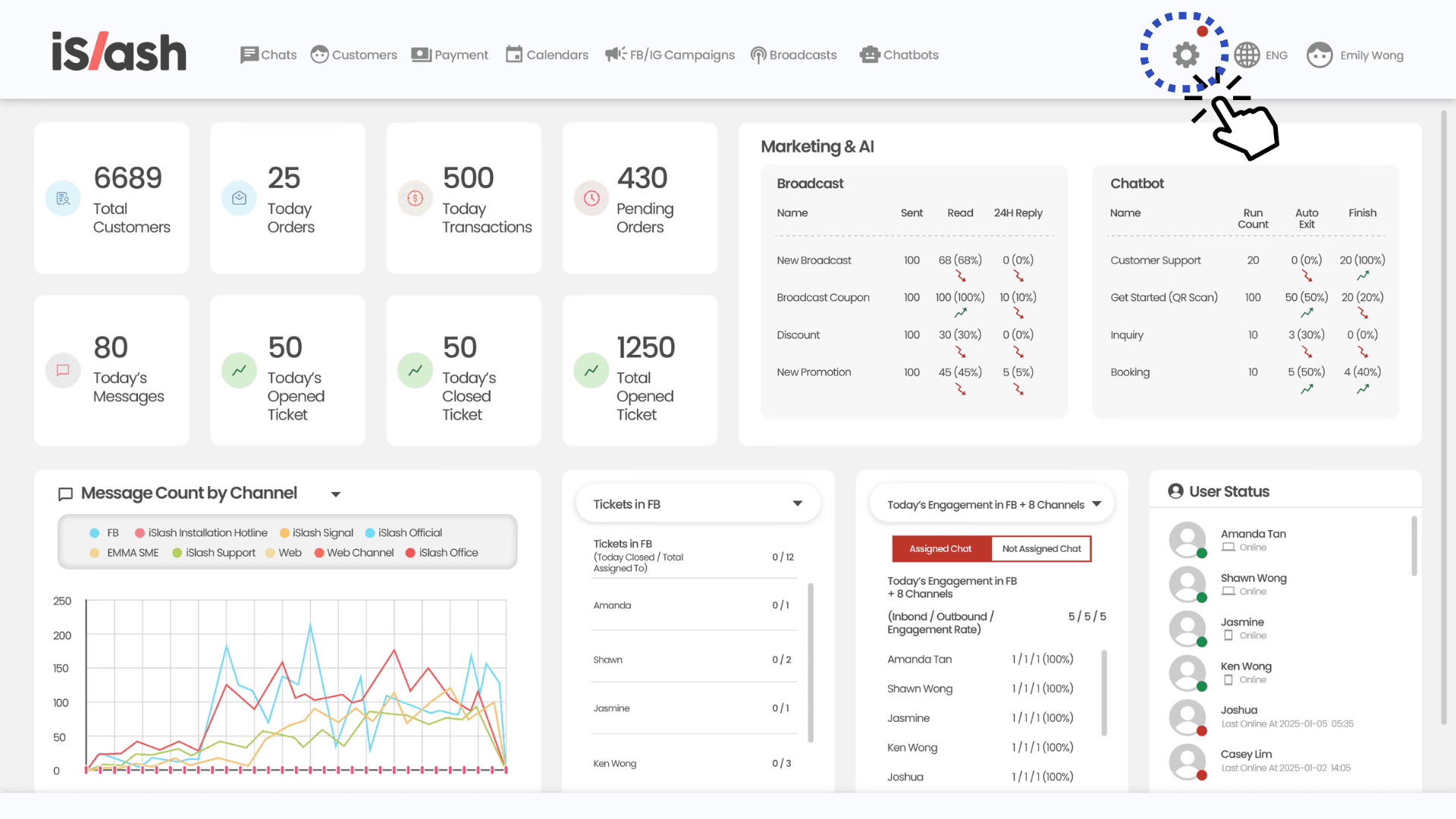
Go to Settings:
At the left panel menu, select "Groups":

Select the relevant group and find "Security", update permission to “Update”.

Proceed to Save group permission and refresh your browser.
At the Settings page, scroll down to find "Setting".
At the "IP Whitelist" tab, click to enable IP Whitelisting.
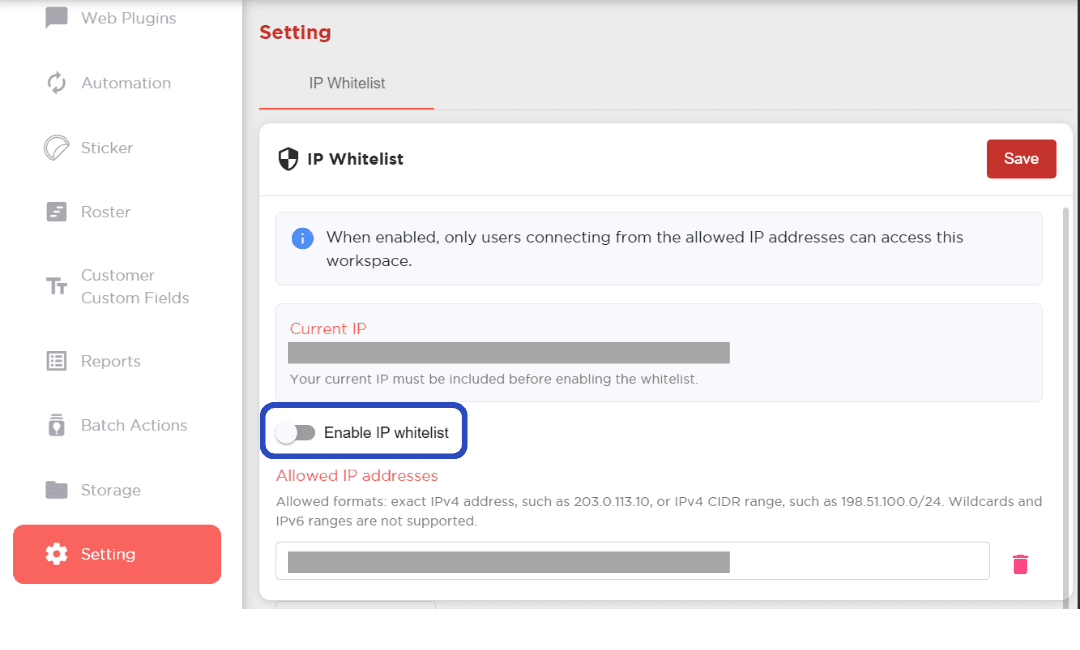
Proceed saving your setting to complete.
Insights


