User Profile & Settings
Last update:
The User Settings section lets you manage your personal account preferences and security on the iSlash AI platform. From updating your password to enabling two-step verification, you’ll find everything you need to keep your account safe and accessible. You can also retrieve your unique WhatsApp user code and QR link to connect with customers more efficiently via WhatsApp Business API.
This guide walks you through each setting step by step, so you can stay in control with ease.
Setup Requirements
An active iSlash AI account, register a free account here.
Locating User Profile
At iSlash AI Platform, go to the top right corner, click on your name; at the drop down list, find and click "User Profile":

Password Change
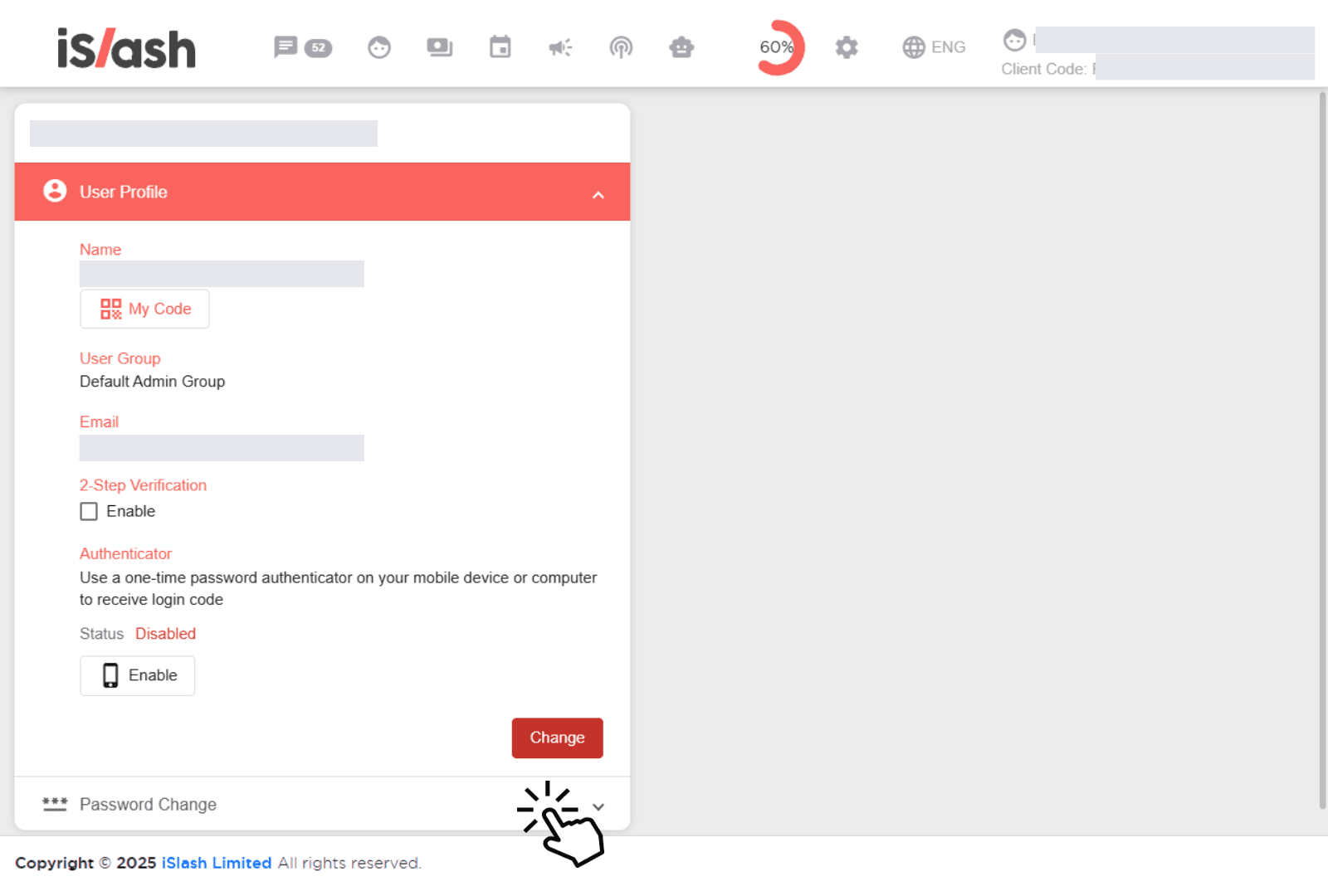
Find the password change function under User Profile:
Enter your old password, then type in your new password and confirm it by entering it again:
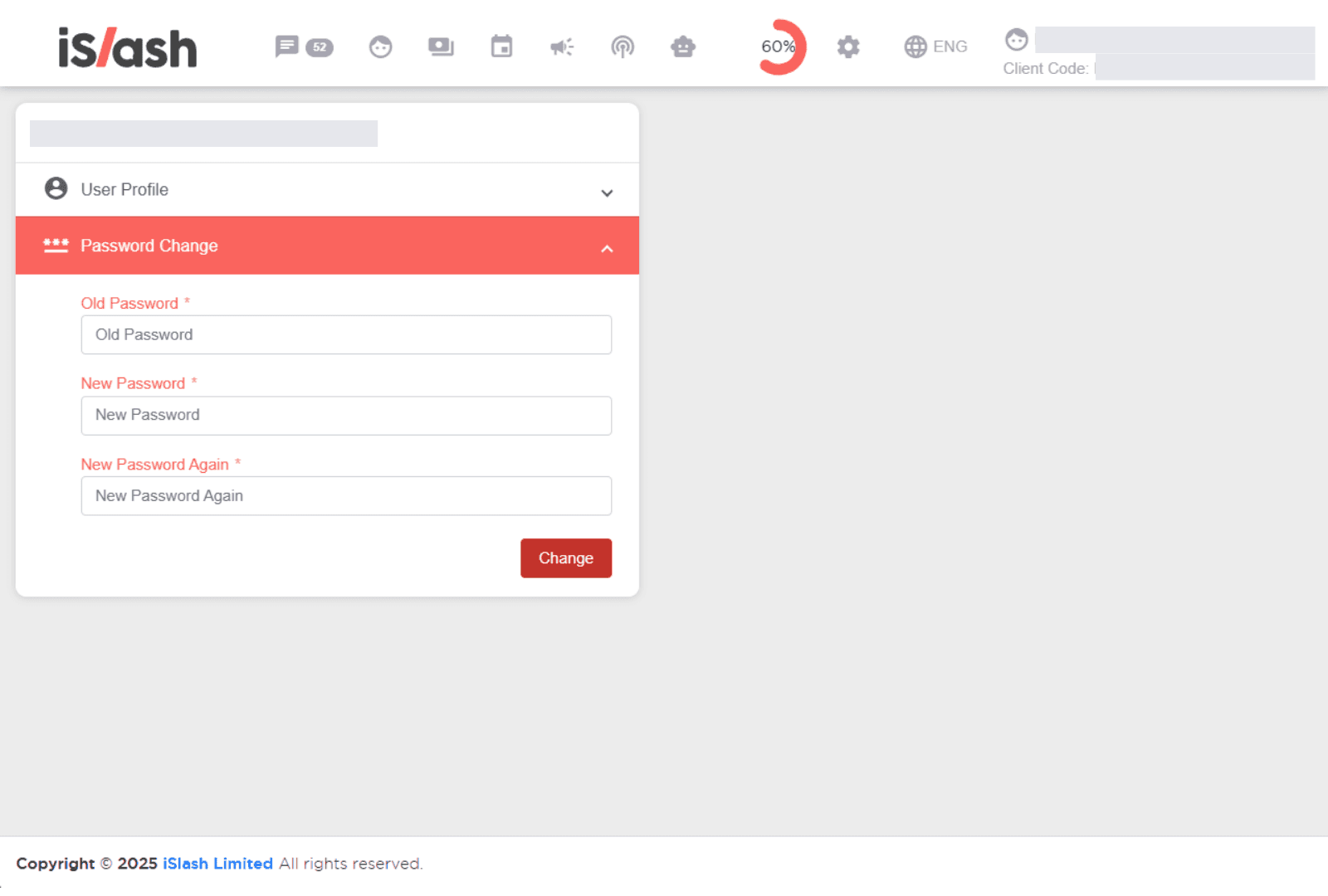
Once done, click Save to update your password.
My Code (WhatsApp Contact Shortcut)
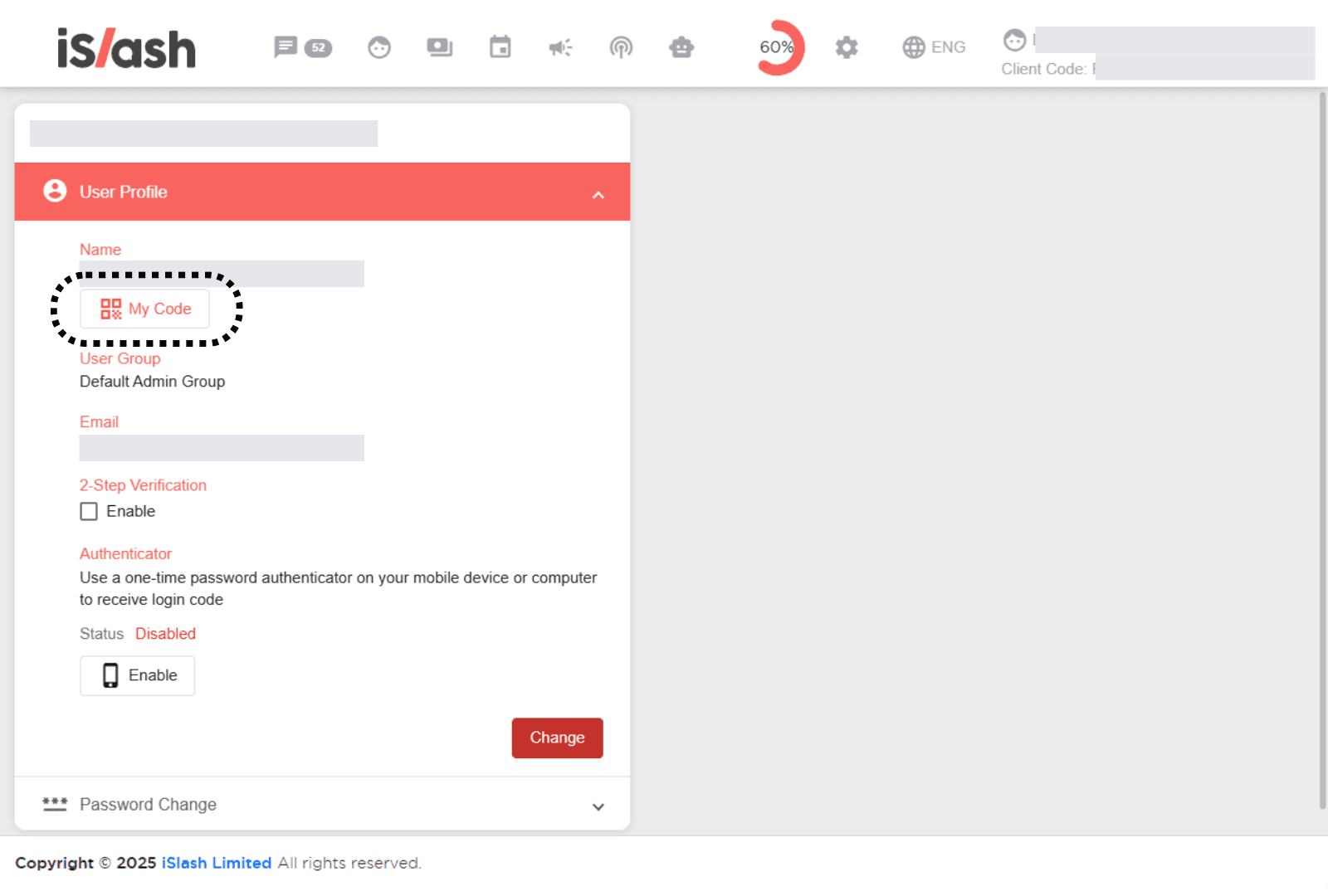
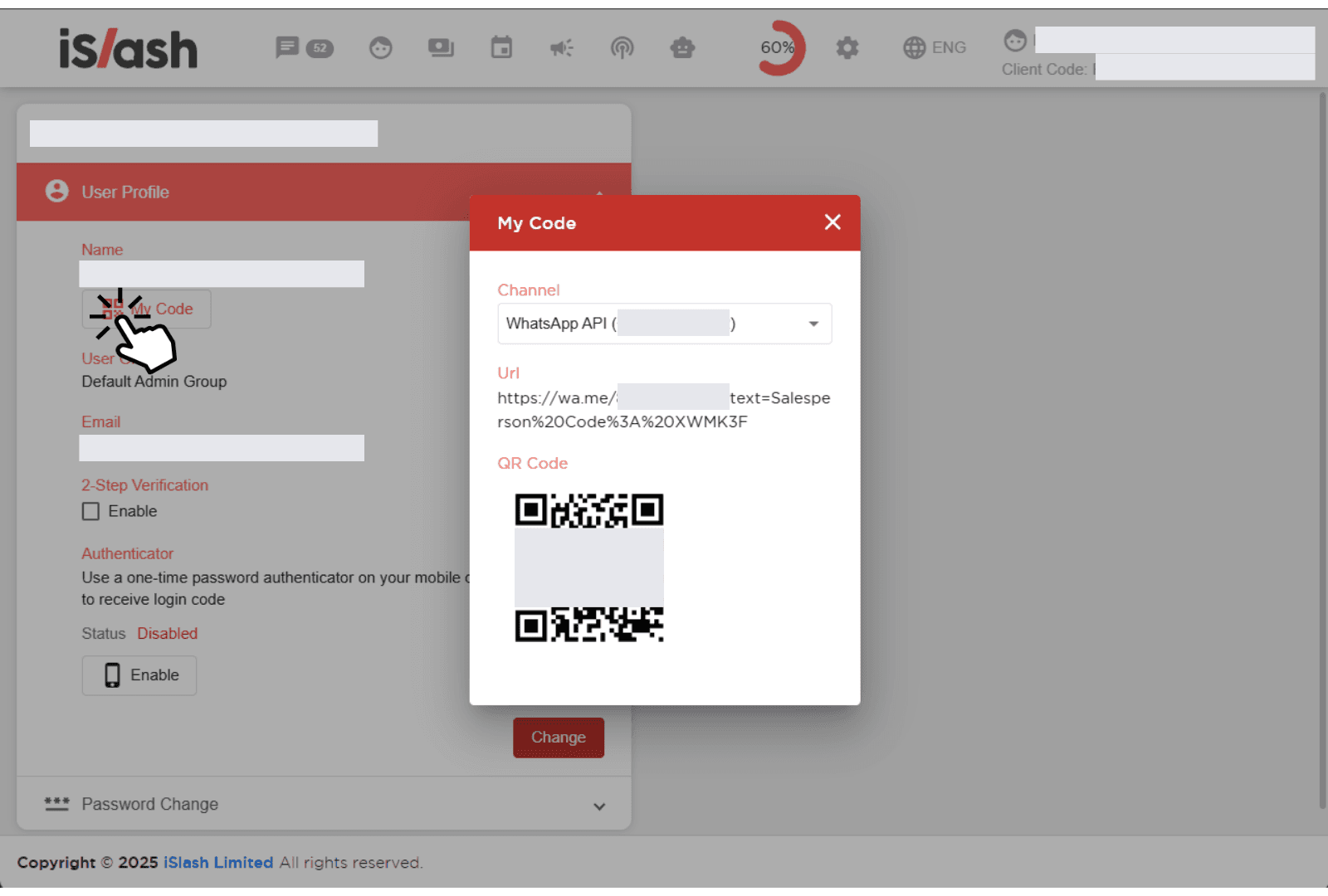
The My Code feature lets you easily share your unique WhatsApp contact link and QR code with customers. When scanned or clicked, customers can message you directly via your connected WhatsApp Business channel — no manual number input needed. It’s a fast and professional way to stay reachable.
Idea: Add this code to your business contact card or professional profiles to stay reachable.
2-Step Verification
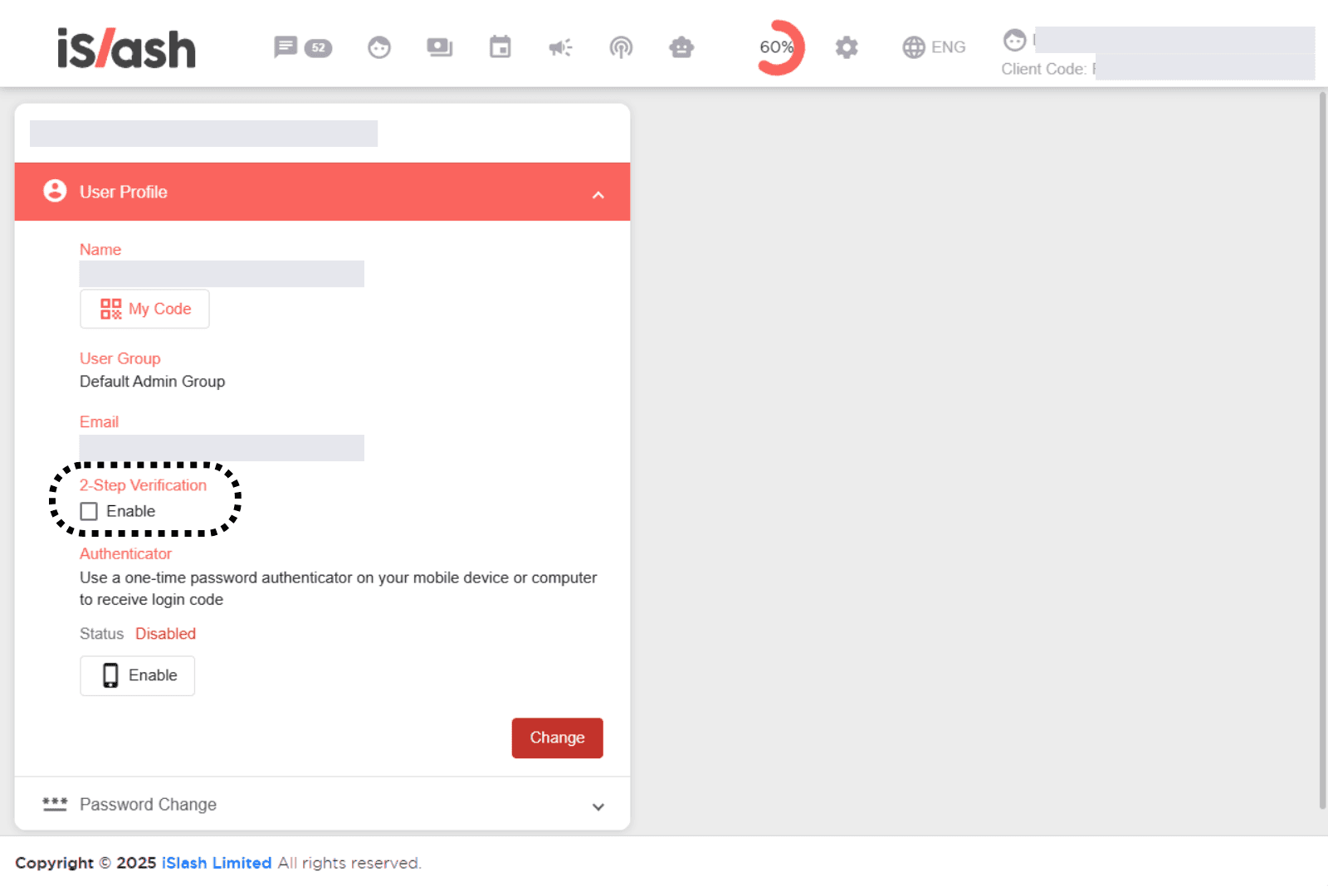
2-Step Verification adds an extra layer of security by asking for a second code during login. Toggle on to enable 2-Step Verification:
Set Up an Authenticator App
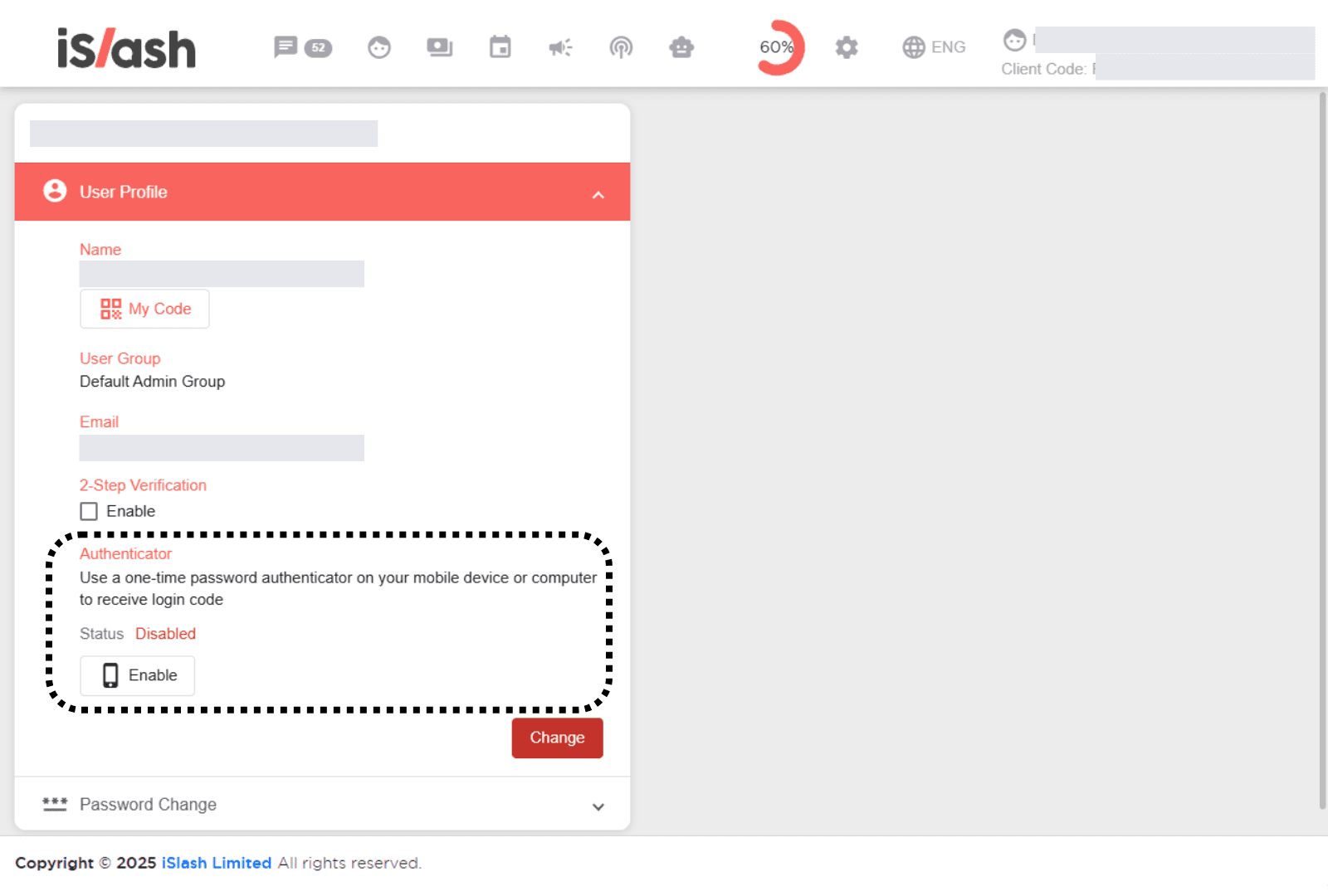
To keep your iSlash AI account secure, we recommend enabling an Authenticator App for two-step verification. This adds a second layer of protection by requiring a time-based one-time code every time you log in. You’ll use an app like Google Authenticator on your mobile device or computer to generate these codes.
Click Enable and follow steps to set up Authenticator App:
Insights


What is an Authenticator App and why do I need it?
An Authenticator App (e.g. Google Authenticator) generates time-based codes for secure login.