Payment Gateway: Airwallex
Last update:
iSlash empowers your business with seamless Chat Commerce capabilities, enabling customers to complete payments directly within the chatroom. No more manual transaction tracking or coordinating with your accounts department—our system automates the process by integrating trusted, secure payment gateways.
Currently supported payment providers include:
Airwallex
Stripe
PayPal
mPay (FPS, Octopus, PayMe, Alipay*, WeChat Pay*)
💡 Transaction fees depend on your selected payment gateway. iSlash does not charge any additional transaction fees.
Airwallex
iSlash supports Airwallex for global payment.
Scale faster by building your business on Airwallex's payment processing platform. APIs to accept credit cards, manage subscriptions, transfer money, run a marketplace.
Get more details on Airwallex.
Step-by-step Guide
Create Airwallex Account at https://airwallex.com
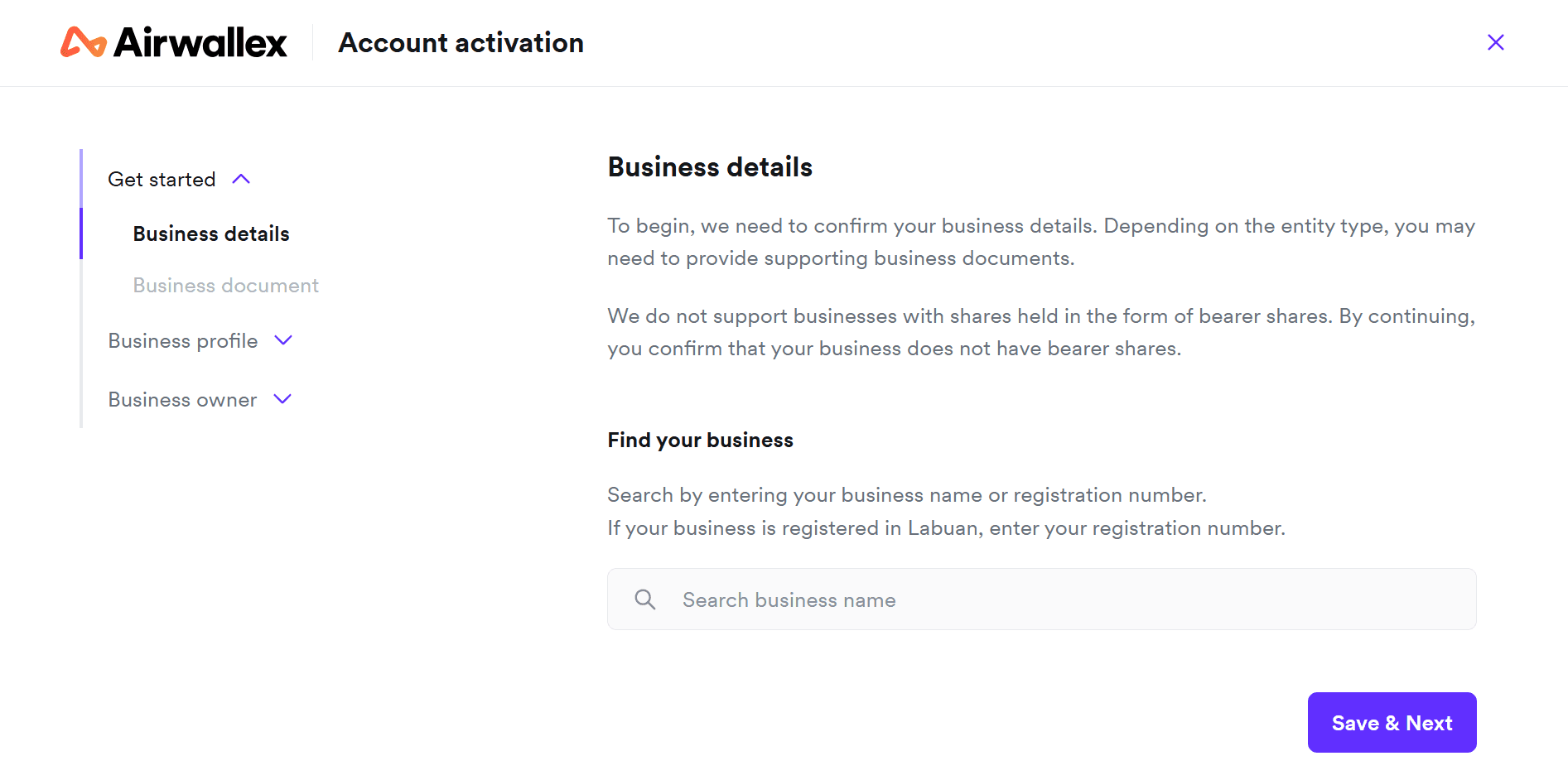
Complete Account Activation
Get API key (more details at Airwallex DOCS)
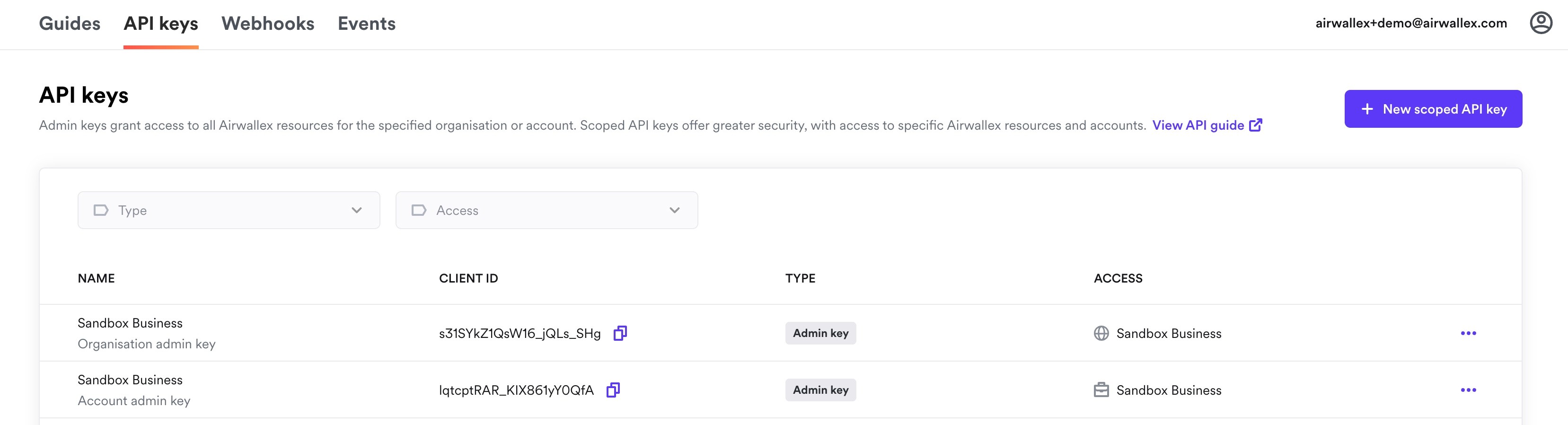
Navigate to Settings > Developer > API keys.
Click Generate next to the organization or account to create an admin key for that organization or account.
iii. Enter your login password when prompted.
iv. Copy the generated API key and store it securely in a password manager or secret store. You will not be able to view this key again in the web app.
Go to Payments, at the top right corner, find and click the Settings Icon, a drop down menu will appear.
Click Payment Gateway to enter the Payment Gateway Setting.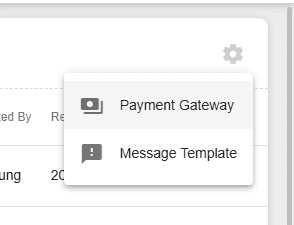
Scroll to the right to find Airwallex, tick the Enable checkbox.
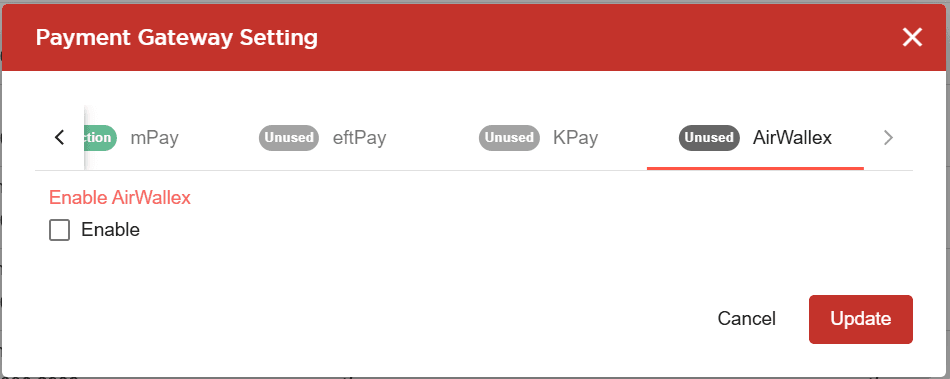
Input Airwallex details to iSlash AI system:
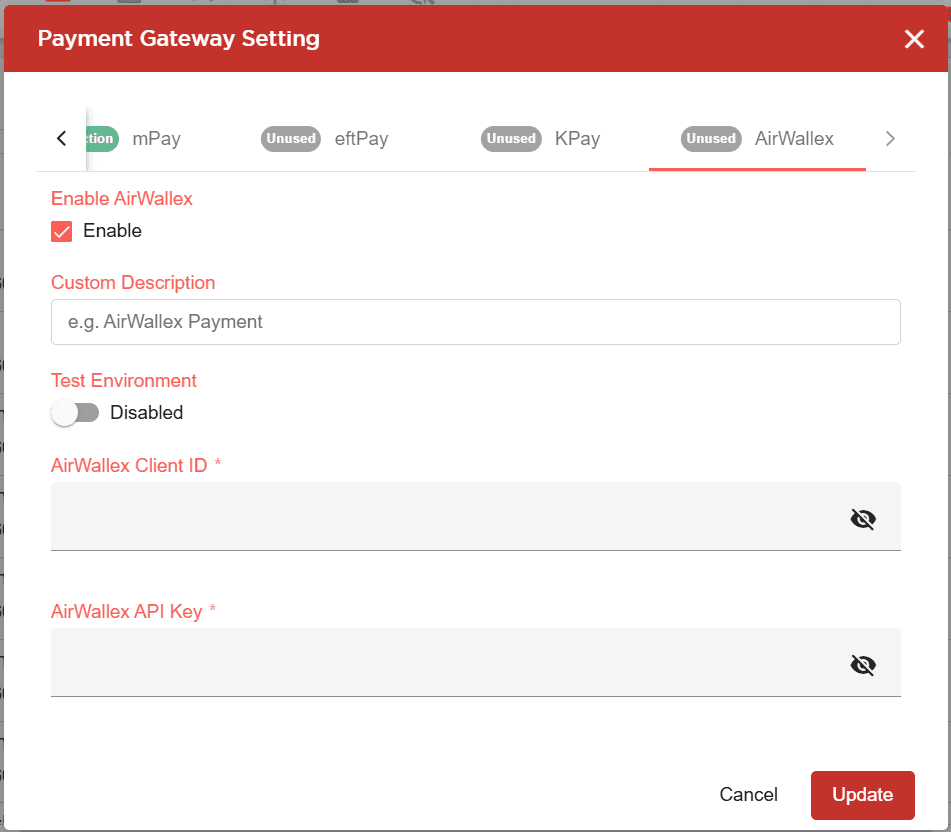
Input AirWallex Client ID and AirWallex API Key
Click Update to save.
Setting Up Notification Messages
Go to Payments.
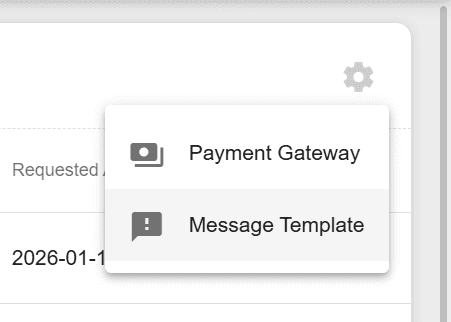
At the top right corner, find and click the Settings Icon, a drop down menu will appear.
Click Message Template to enter the Payment Template Setting.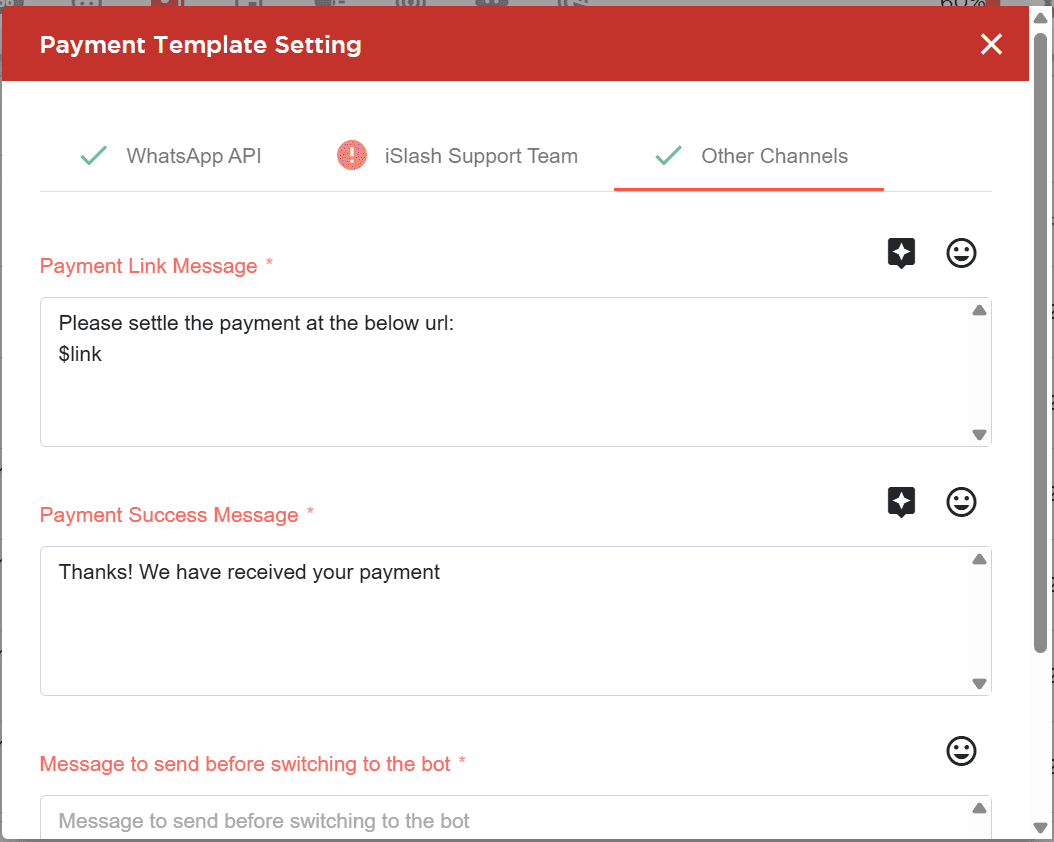
WhatsApp notifications: You will need approved message templates.
Other channels: type free text and use variable $link.
*The payment URL will be injected to the variable $link
Insights


