WhatsApp API: Groups API
Last update:
WhatsApp Business API originally does not support group chats. iSlash AI has developed Groups API support, allowing businesses to create and manage WhatsApp Groups directly through the iSlash platform.
With Groups API, businesses can:
👥 Build VIP or loyalty communities to increase engagement
🤖 Automate customer onboarding and group welcomes
🎯 Manage multiple campaign groups efficiently from one dashboard
Whether you’re running a members-only program, limited-time promotion, or product launch group, iSlash AI helps you do it securely, automatically, and at scale.
Start building shared experiences with your customers today.
Prerequisites Conditions
To use Groups API on your WhatsApp Business API, your business must meet one of the following conditions:
Have a messaging limit of at least 100,000 business-initiated conversations in a rolling 24-hour period, OR
Quick Facts
Group Membership
Groups are invite-only — users join by clicking on an invitation link sent by the business; users cannot be added involuntarily
Max group participants: 8
Each group can include only 1 WhatsApp API account as the group creator/admin
A WhatsApp API account cannot join a Groups API group created by another API account
Group Management
Max groups per WhatsApp API number: 10,000
Please Note — The following actions are not supported in Groups API:
Hiding group participant list
Editing or deleting messages
Marking messages as read
Step-by-step guide
Log in to the iSlash Platform at https://app.islash.io
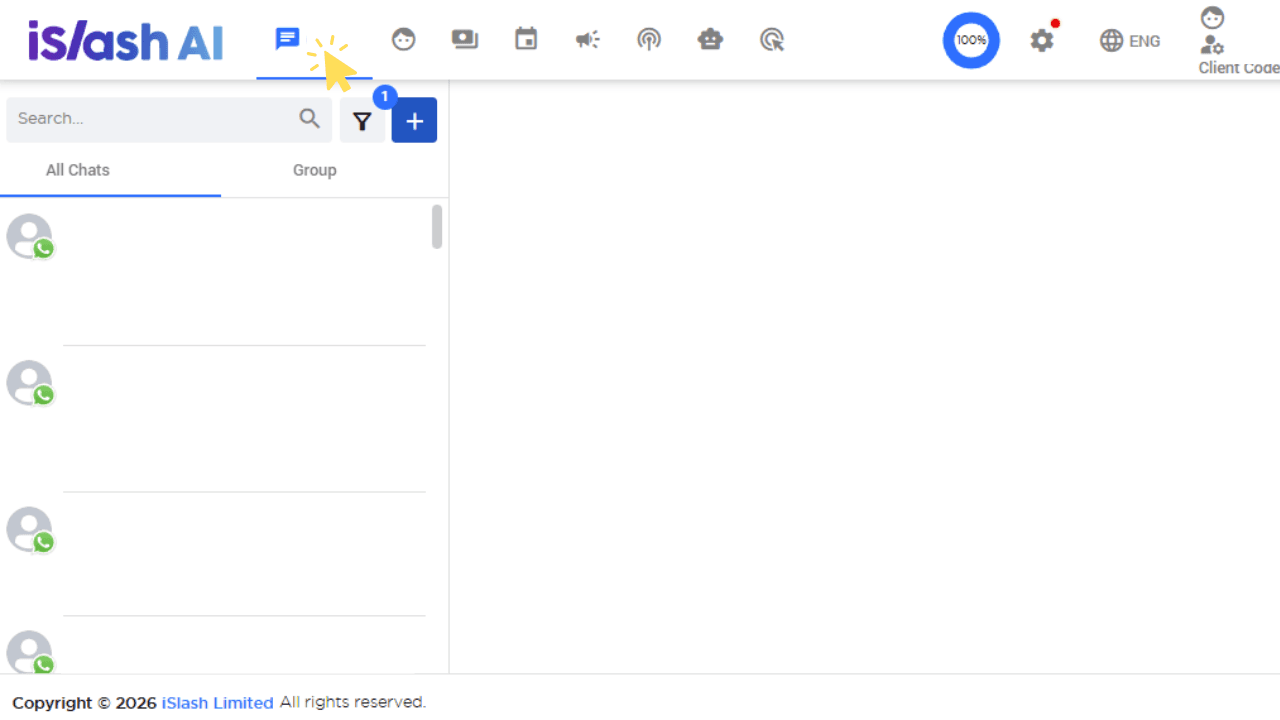
Go to Chats:
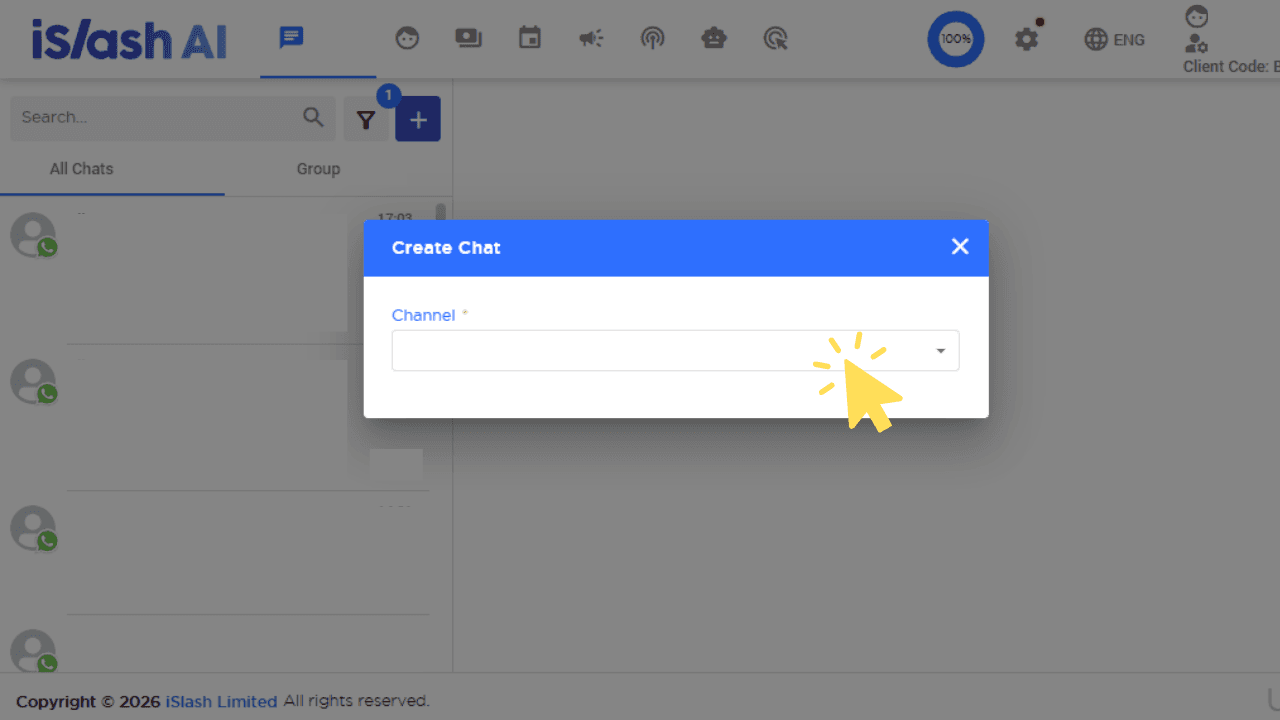
Click「+」to create a new chat. At the pop-up window, under Channel, select an eligible WhatsApp API channel (refer to Prerequisites above)
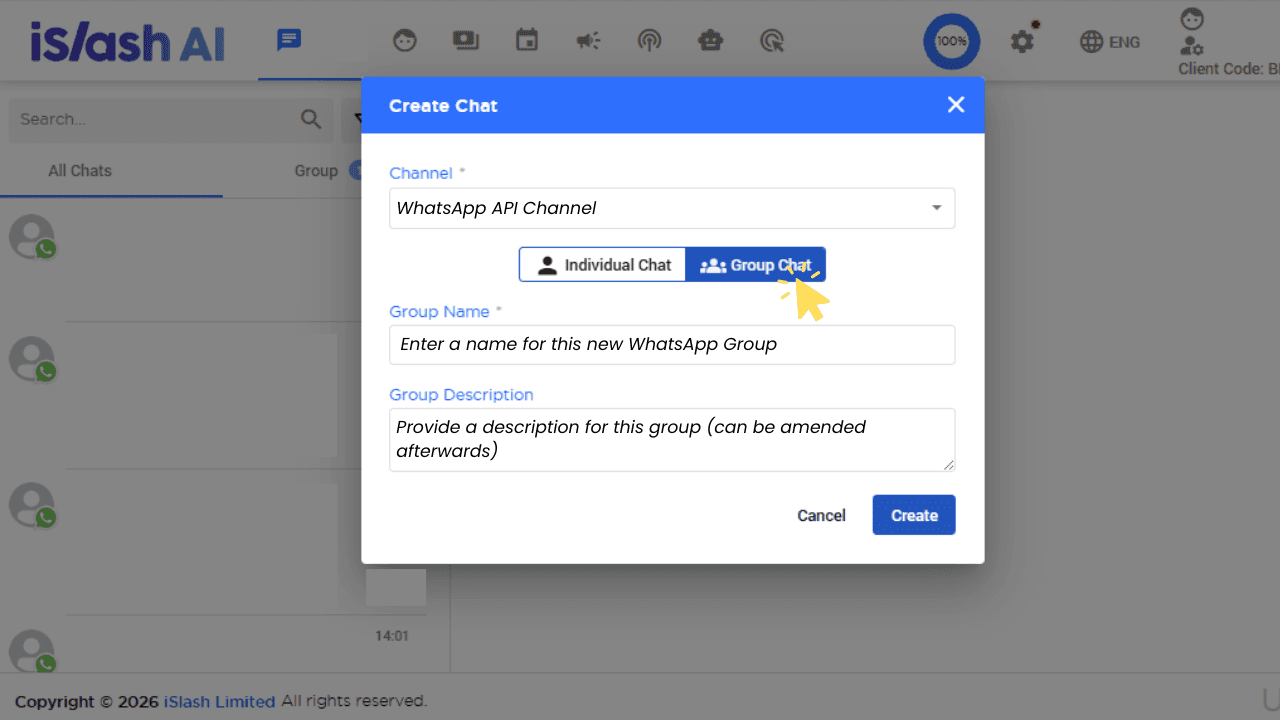
Once you have selected an eligible WhatsApp Business API channel, select「Group Chat」
Group Name
Group Description
Click「Create」.
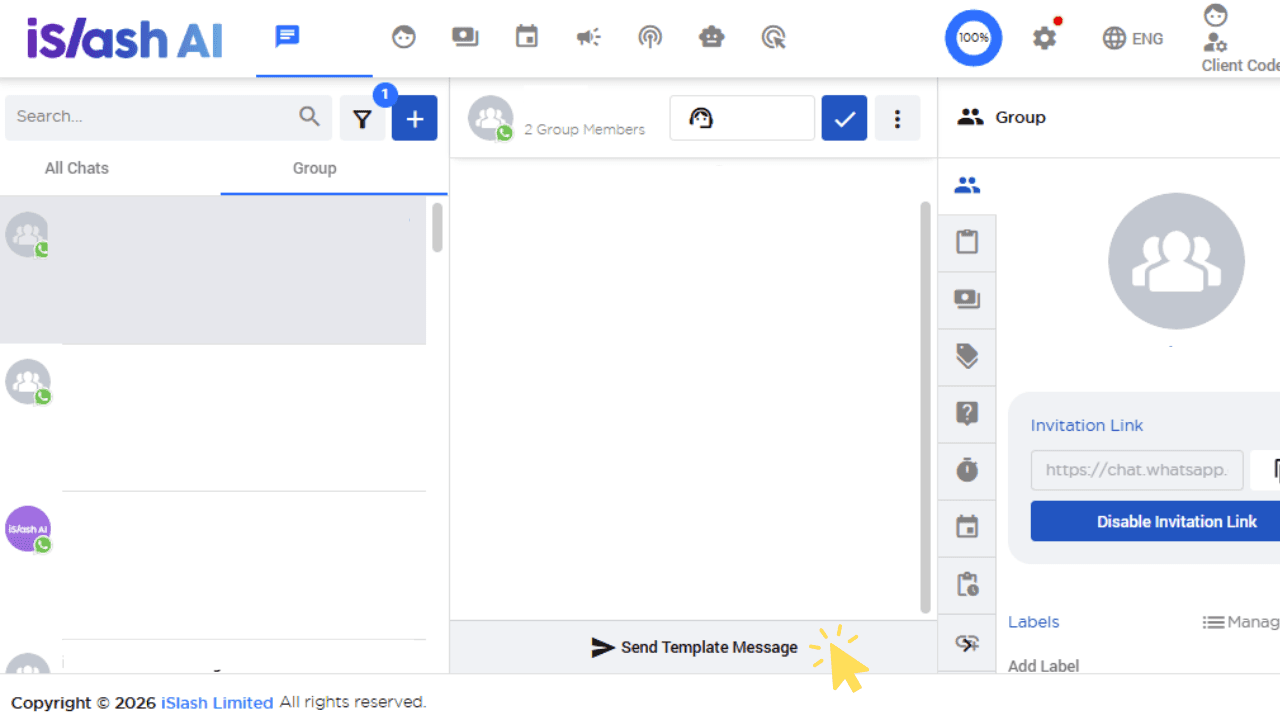
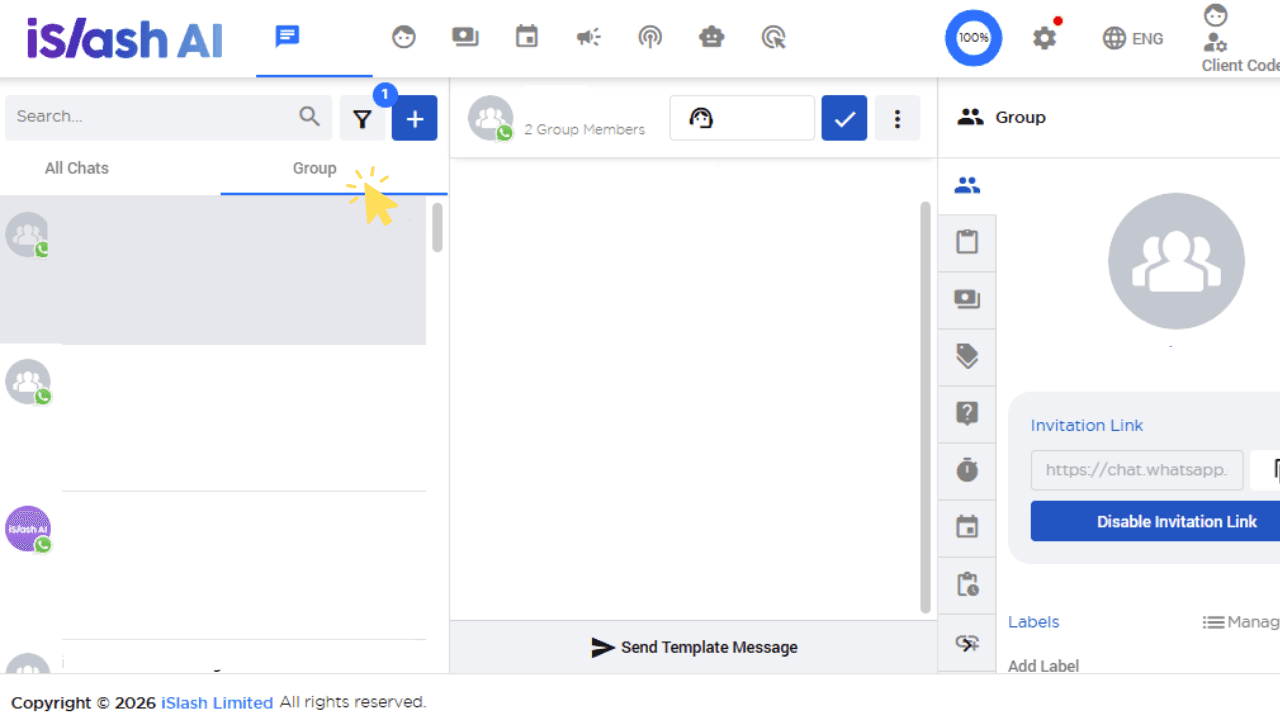
Your WhatsApp Group has been created. All groups can be found in the left side panel「Group」.
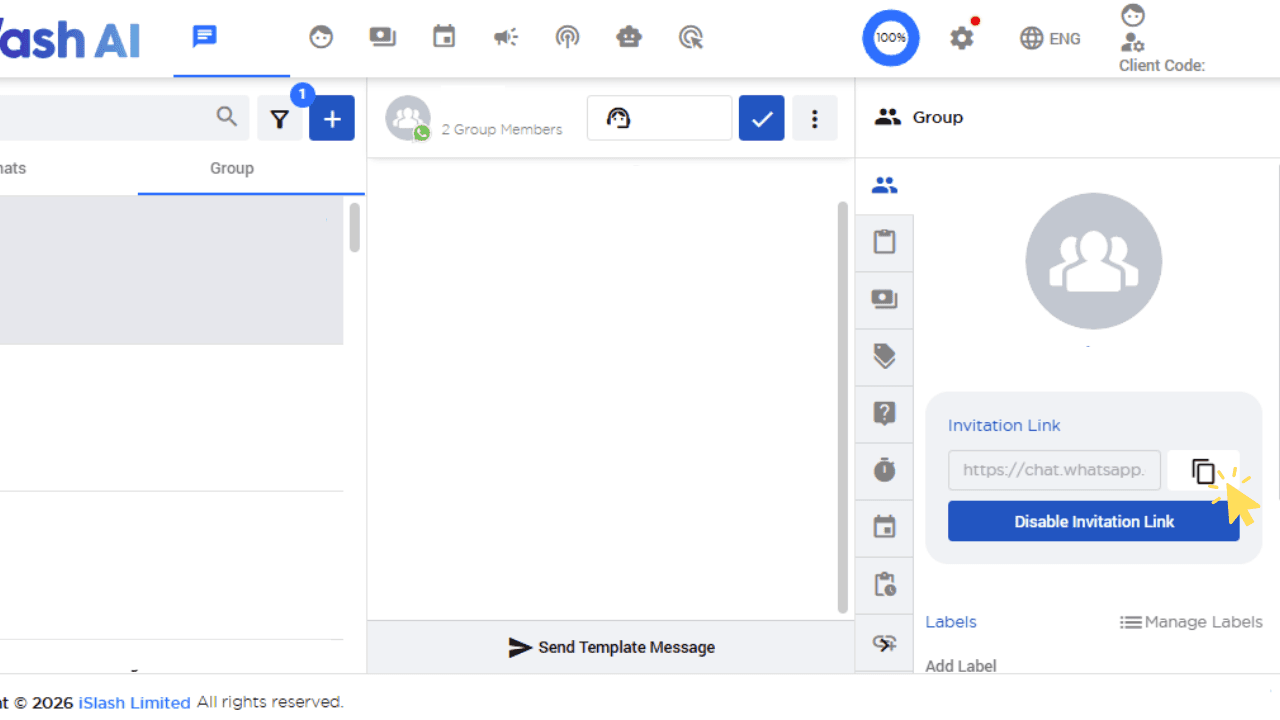
To invite users, go to the right panel and copy the invitation link to share with your customers.
Your customers can join by clicking on the group invite link.
Pricing
Groups API pricing follows the same Business-Initiated conversation model as WhatsApp Business API — charges are based on the number of group members a message is delivered to.
Example: In a group with 5 WhatsApp users, each business-initiated message sent and delivered will be charged as 5 messages (one per recipient).
Customer Service Window:
When any WhatsApp user in the group messages you, a 24 hour customer service window opens between your business and the entire group. Within this window, you can send any free-form messages at no additional charge.
Insights


How to remove group member?
To remove a Group Member, find the "Remove from Group" button at the right panel:
Note that, once removed, the WhatsApp user will not be able to return to the same group.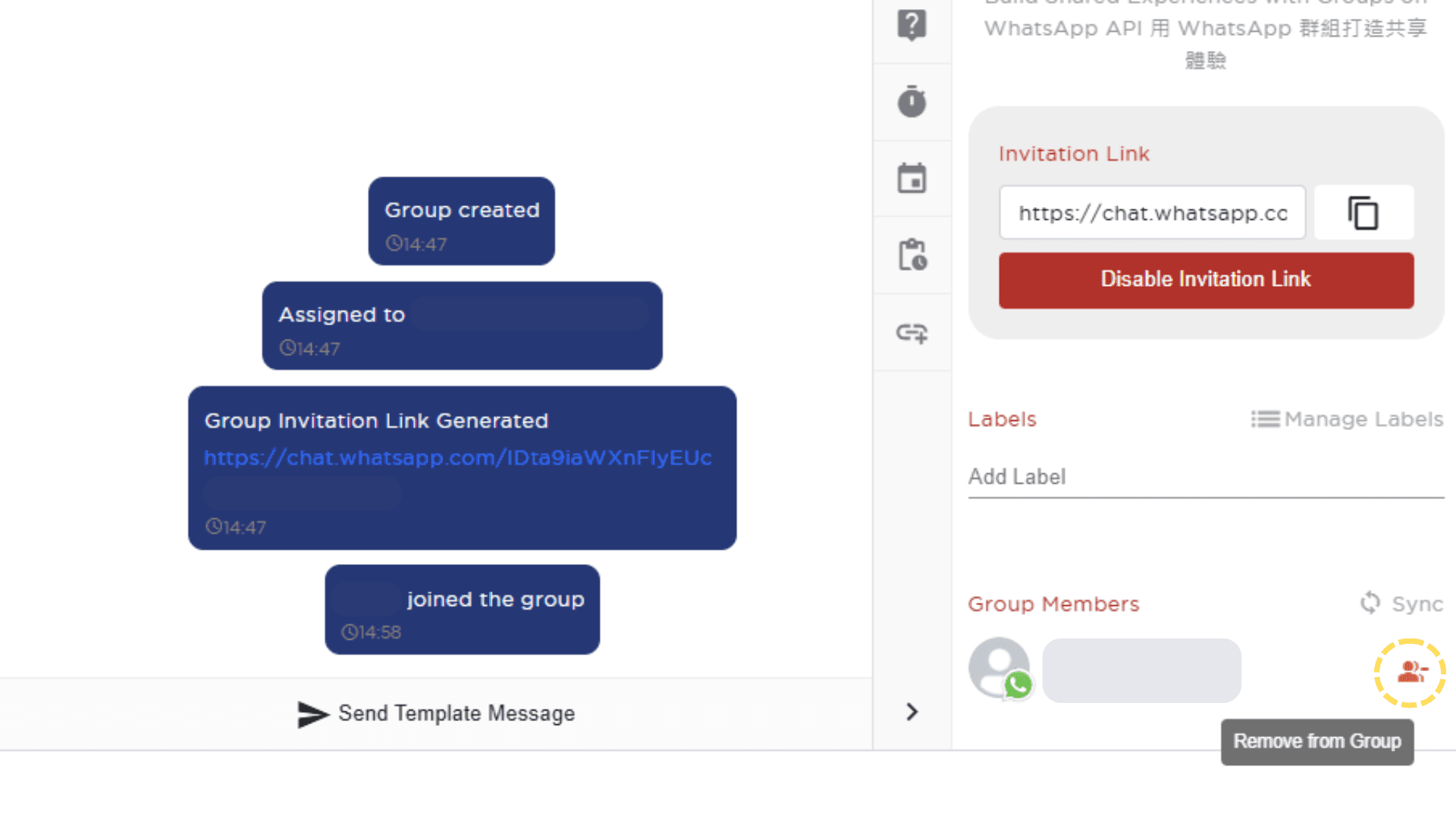
When should I use a Message Template vs a free-form message?
Within the 24-hour customer service window — Once any group member sends a message, a 24-hour window opens. During this window, you can send free-form messages freely without being restricted to templates.
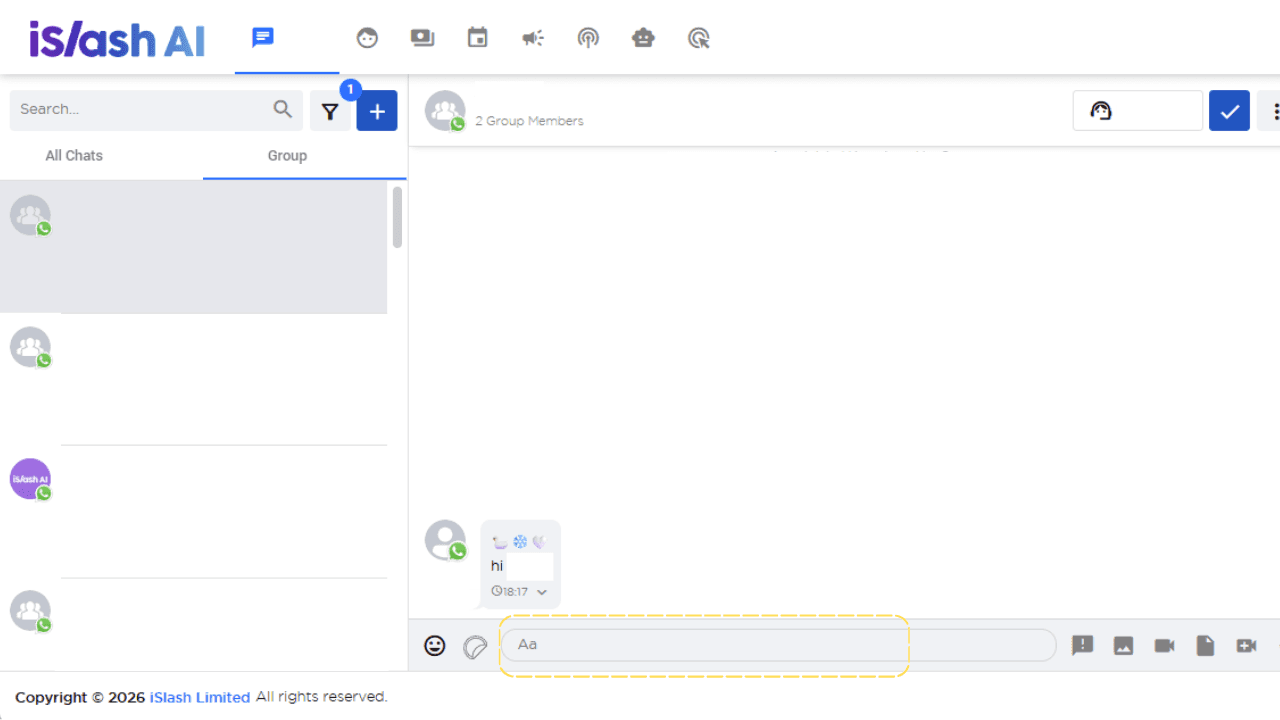
Outside the 24-hour window — If no group member has sent a message in the past 24 hours, you will need to use a Message Template to initiate the conversation.