The Essential Guide to WhatsApp Business API for Your Business
Upgrade to WhatsApp Business API in just 3 Steps
𝑯𝒐𝒘 𝒕𝒐 𝒖𝒑𝒈𝒓𝒂𝒅𝒆 𝒕𝒐 𝑾𝒉𝒂𝒕𝒔𝑨𝒑𝒑 𝑩𝒖𝒔𝒊𝒏𝒆𝒔𝒔 𝑨𝑷𝑰 𝒊𝒏 3 𝒔𝒊𝒎𝒑𝒍𝒆 𝒔𝒕𝒆𝒑𝒔?
Running a business used to mean replying to every message one by one.
Today customers expect fast, personalised service — across time zones, teams, and channels. If you're still managing everything manually in WhatsApp, it’s only a matter of time before things slip through the cracks.
There’s a better way:
WhatsApp Business API — the official customer engagement solution for businesses that need smarter messaging, better workflows, and real automation.
Let’s break it down.
What Is WhatsApp Business API (And Who Is It For?)
WhatsApp currently offers three main versions:
WhatsApp Personal – for personal messaging
WhatsApp Business App – for small teams managing basic customer chats
WhatsApp Business API – for businesses ready to scale, automate, and organize communication across a team
If you're just getting started, the WhatsApp Business App provides helpful tools like product catalogs, business profiles, quick replies, and basic away messages — and supports use across one phone and up to four linked devices.
But once your customer volume grows — or your team expands — the app alone may no longer meet your needs.
Here’s where WhatsApp Business API steps in.
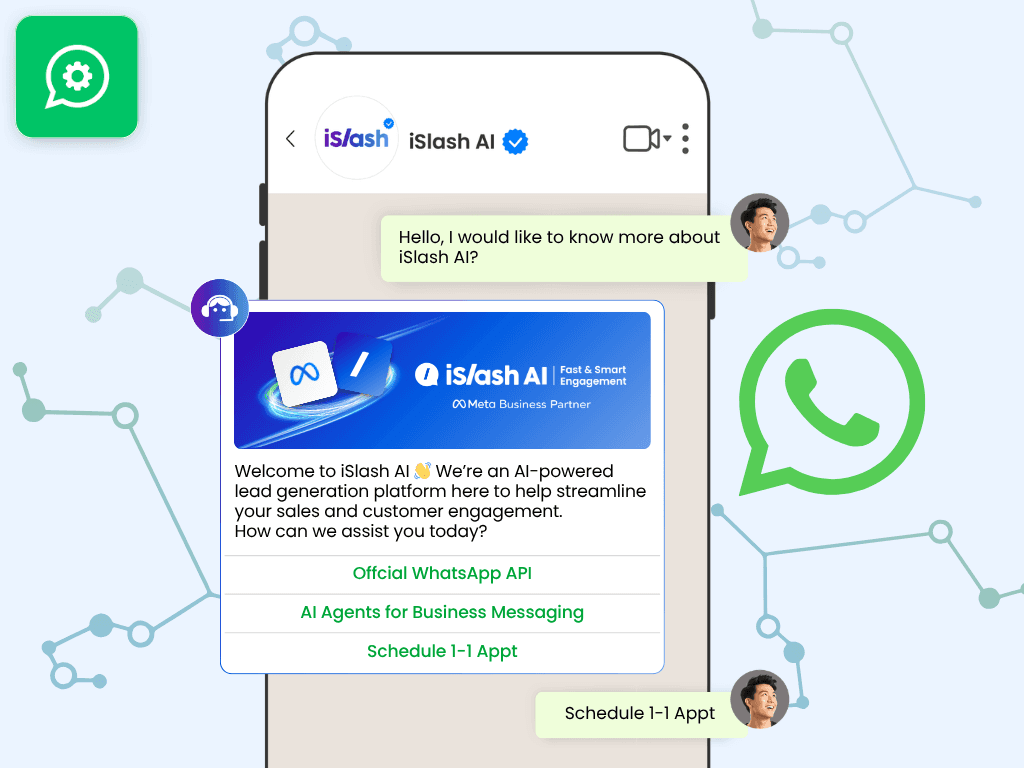
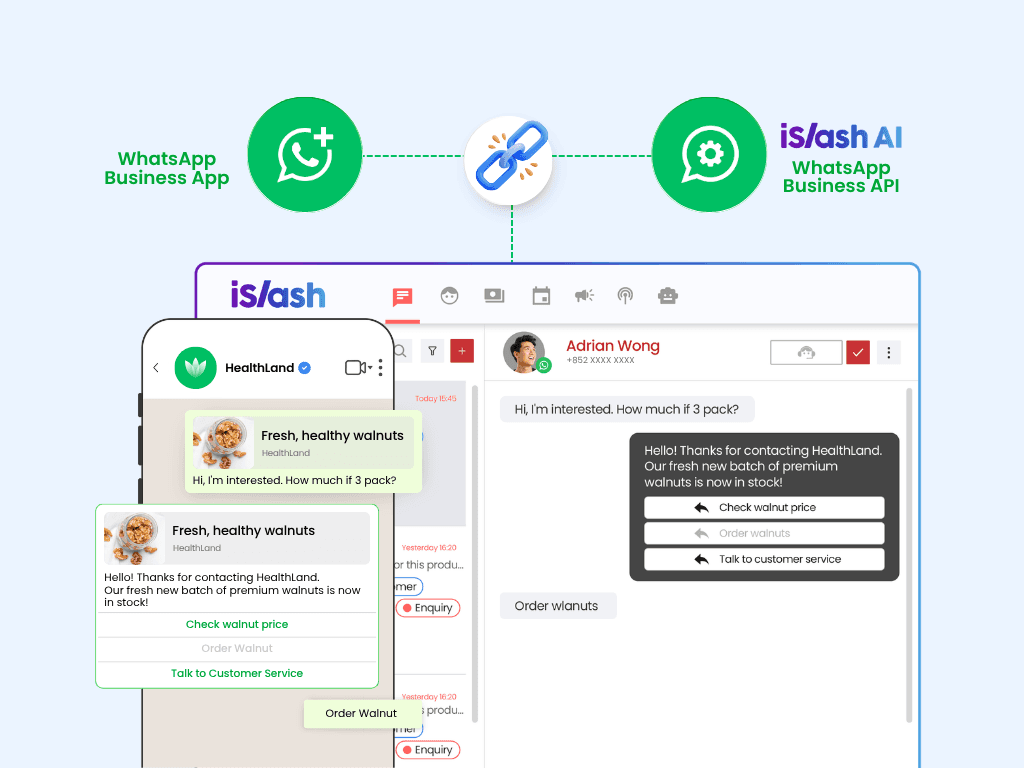
Unlike the apps you download from the App Store or Google Play, you upgrade through an official WhatsApp Business Solution Provider like iSlash AI — which connects your number to a powerful platform that allows you to:
Manage all social media messages in a shared inbox
Assign conversations to different agents
Set up automation and workflows
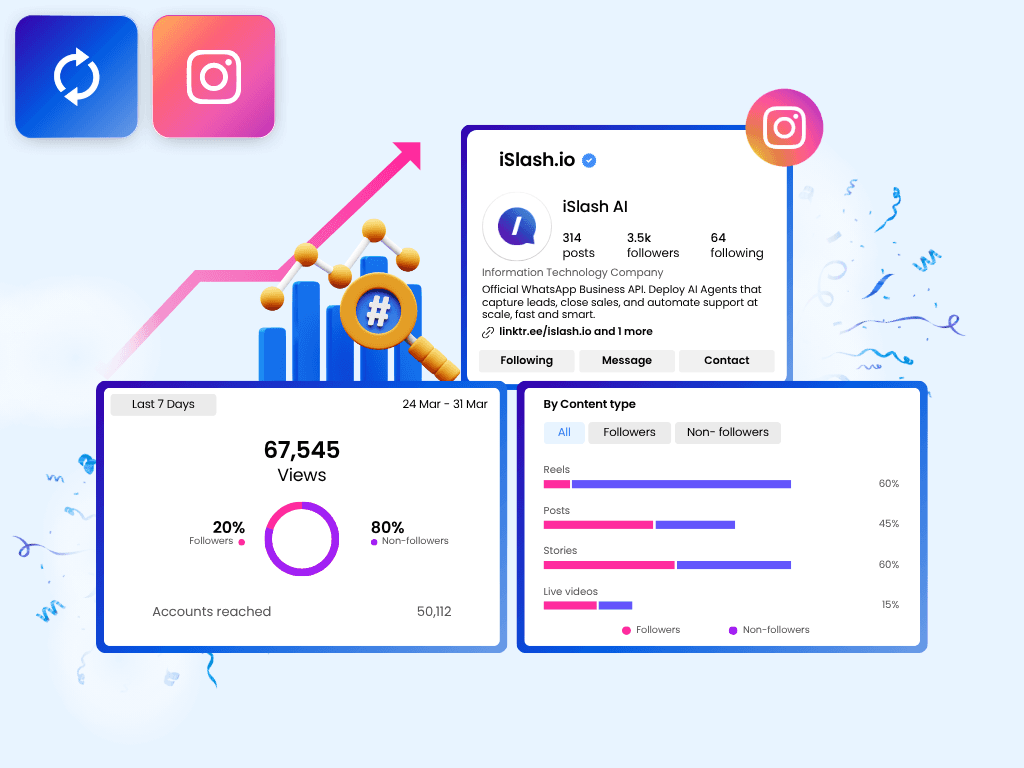
Track engagement, campaigns, and conversation history
Integration with chatbots, CRM, WhatsApp forms, and even eCommerce
📱 And yes — iSlash AI also comes with a mobile app so you and your team can stay responsive even on the go.
In short, WhatsApp Business API is the next step when you're ready to move from managing messages… to managing meaningful customer relationships — with speed, structure, and scale.
Key Features of WhatsApp Business API
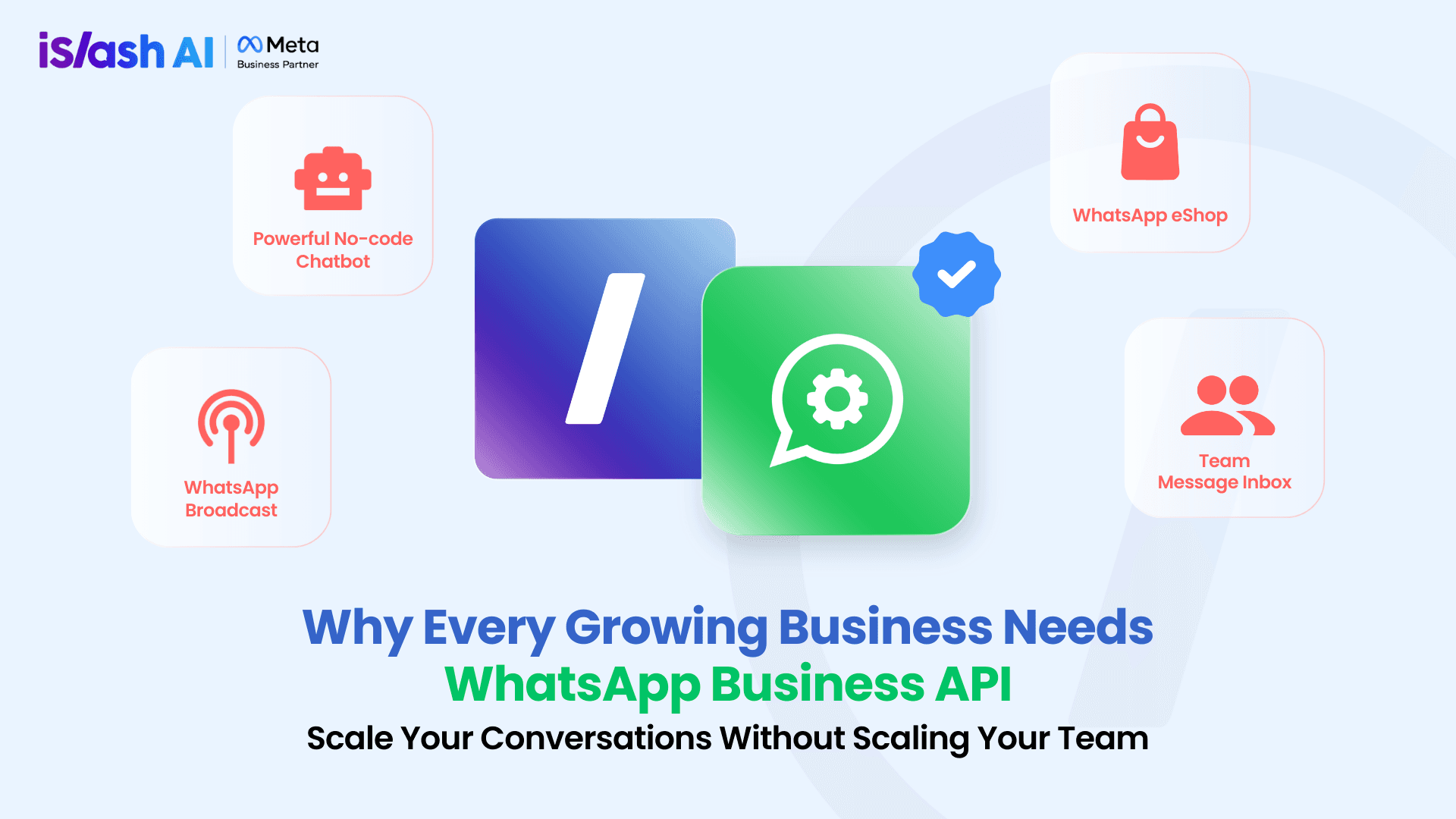
Here’s what you unlock when you upgrade with iSlash AI:
Team Message Inbox
One number, multiple agents. Assign chats, track memos, and stay coordinated as a team — all in one place.
WhatsApp Broadcast Messages
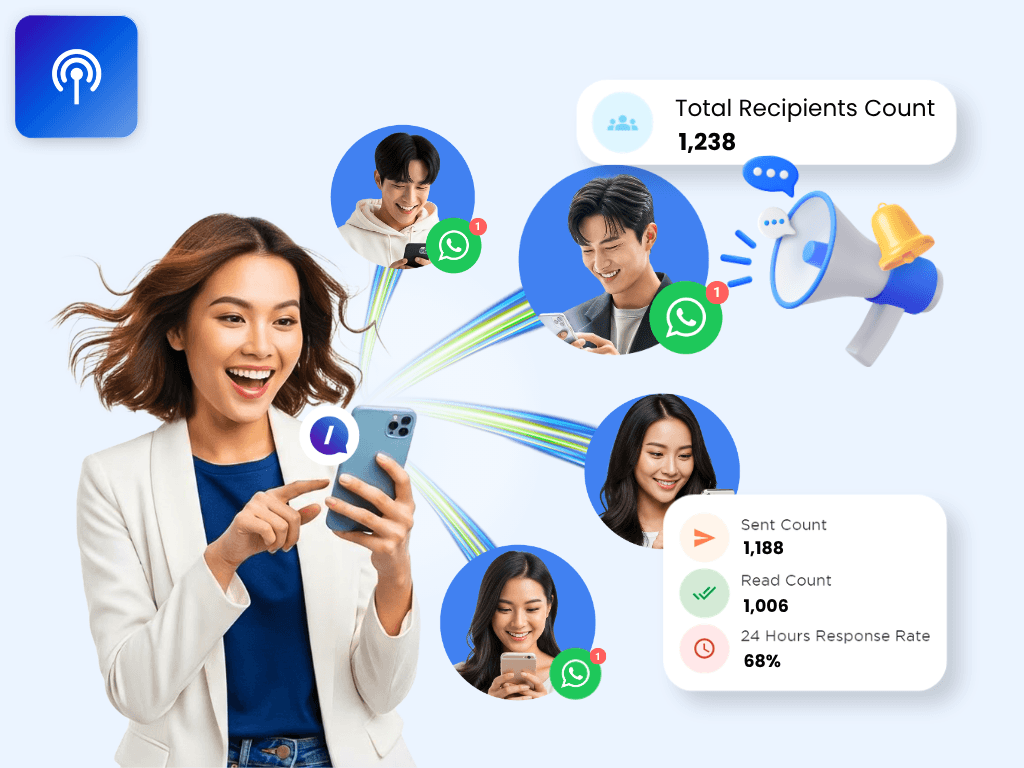
Send messages to unlimited customers via WhatsApp. Perfect for promotions, updates, and reminders.
No-Code Chatbot
Create automated response flows without writing a single line of code. Answer FAQs, guide users to purchase, and handle leads 24/7.
WhatsApp Flows
Collect customer data through in-app forms — ideal for booking, surveys, and promotions.
WhatsApp eShop + Payment
Turn your WhatsApp chat into a checkout experience. Customers can browse and pay directly in chat — no switching apps or follow-ups.
Official Blue Tick Verification
Let customers know they’re talking to the real deal. iSlash AI can help you apply for verified status to build brand trust instantly.
Why Growing Businesses Are Switching
If you're…
Getting more chats a day
Missing follow-ups or struggling to track conversations
Sharing one device across your team
Answering the same questions again and again
Wanting more structure and automation
Then you’re ready for WhatsApp Business API.
How to Get Started — Just 3 Simple Steps
Step 1: Sign up for your iSlash AI account
Register in minutes and access your WhatsApp API dashboard. Free Upgrade here!
Step 2: Prepare a WhatsApp-ready number
Make sure the number you want to use is not already linked to WhatsApp Personal or WhatsApp Business App. It must be clean and unused.
Step 3: Connect your number + Send your first message
Once you’ve integrated your number into iSlash AI, you’re ready to go. Test a reply — and you're live.
✅ That’s it. You’re officially upgraded.
What Happens After You Switch?
You’ll notice the difference right away:
Faster replies
Happier customers
No missed leads
Clearer data
Better teamwork
Less stress
You don’t need a tech team. You don’t need a new device.
You just need iSlash AI.
Free Upgrade to iSlash AI
Is WhatsApp Business API Free?
Yes, with iSlash AI Pay-As-You-Go Free Plan, you can upgrade your business messaging to WhatsApp Business API for free. Just pay for message fee.
How to upgrade to WhatsApp Business API for free?
To upgrade to WhatsApp Business API, simply create an iSlash AI account by clicking here with your business email address. Then contact iSlash AI Support Team on WhatsApp for your FREE upgrade.
Can I use WhatsApp Personal or WhatsApp Business App on the same phone number?
No, a number is only applicable for one type of WhatsApp account, inclusive of WhatsApp Business API. We recommend using your business landline for the upgrade to WhatsApp Business API.
Can I access WhatsApp Business API on multiple devices?
Yes, you can access WhatsApp Business API on as many devices as you need with iSlash AI. Unlike WhatsApp Business and WhatsApp Personal APP, WhatsApp Business API's access is customizable.
You can log in to iSlash AI on browsers like Google Chrome, Safari, Microsoft Edge, Brave and more. iSlash AI mobile application is also available for easy access to chatroom and receiving message notifications on your mobile phone.