Parent Business-Scoped User ID (Parent BSUID) & Contact Book
WhatsApp Business API
In our first article about Business-Scoped User ID (BSUID), we discussed:
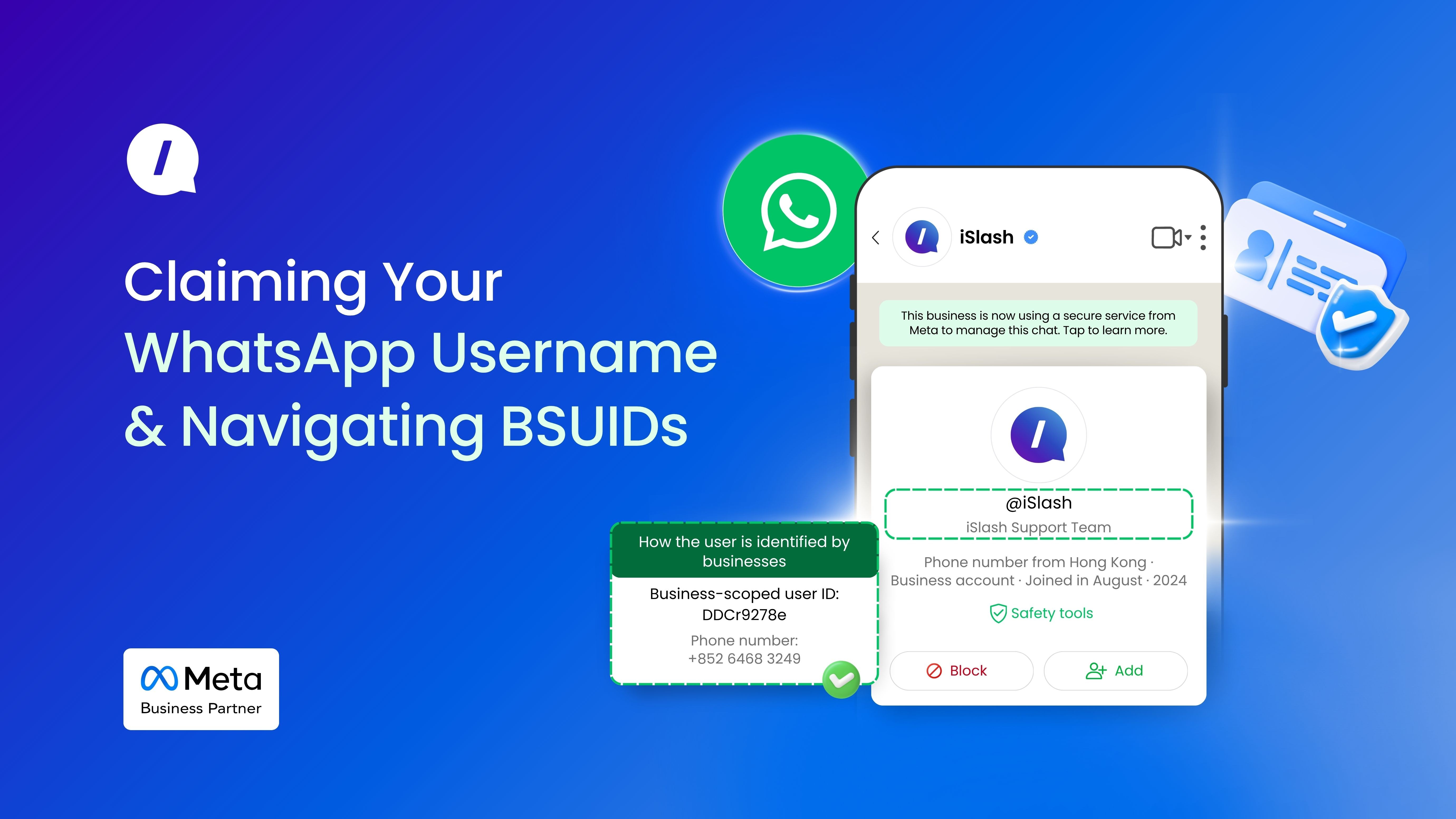
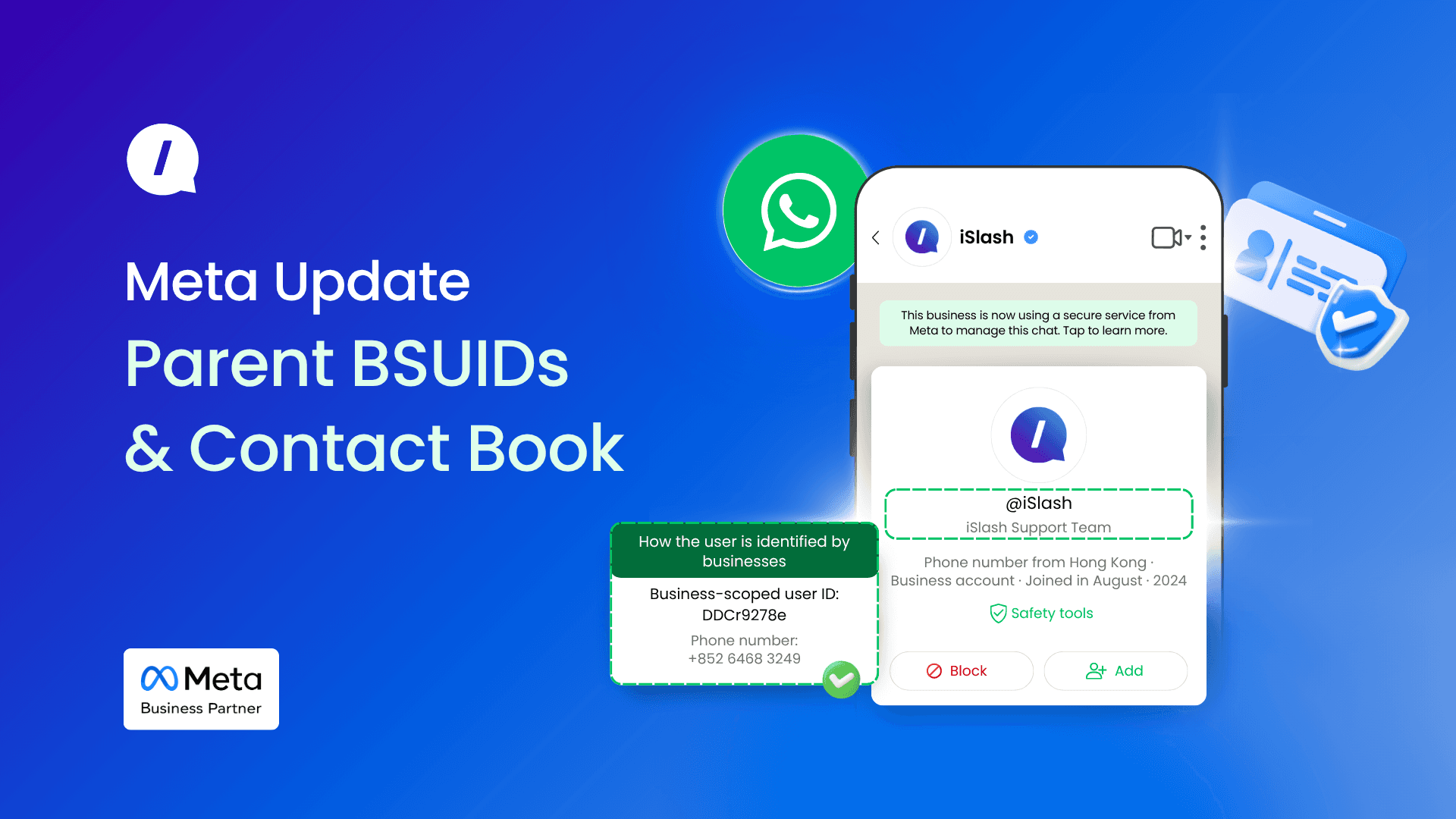
Unique Handle for Businesses (e.g., @iSlash)
The New Identifier: Business-Scoped User ID (BSUID)
Merging Identifiers: The Phone Number Comes First.
Now that Meta has rolled out WhatsApp Usernames globally, here are the operational facts every digital marketer and business owner must understand to update their marketing funnels and communication channels:
Parent BSUIDs (Unified Identifier Across Your Business Portfolio)
If your business operates multiple brands, subsidiaries, or distinct business units across separate Meta portfolios, standard BSUIDs will isolate your data. To keep track of a single customer across your entire business ecosystem, you need to use Parent BSUIDs.
How to Get Enrolled?
This is not a self-serve toggle. If you are a managed business, approach your iSlash support in-charge or reach out to us on our official WhatsApp channel, to check your eligibility and manually enrol your portfolios.
Once enrolled, Meta updates your incoming data data pipelines. Parent BSUIDs can be used in place of the regular BSUIDs to message users.
Seamless Cross-Brand Messaging
A customer will share the exact same Parent BSUID across all of your enrolled portfolios. This completely removes the single-portfolio barrier, allowing any business phone number across your entire enrolled network to message that user using their Parent BSUID.
The Meta Contact Book
To protect businesses from losing lead data overnight when customers turn on username privacy settings, Meta launched a native Contact Book feature in early April 2026. This acts as a bridge to preserve customer identity.
The Contact Book is hosted and run entirely by Meta, which builds an identity index based on real-time customer touchpoints:
Your business number sends a message/call to a user;
Your business number receives an incoming message/call from them.
Meta immediately captures this interaction and saves the user’s phone number and matching BSUID to your portfolio's Contact Book.
Requesting Phone Numbers from Users
Businesses can request phone numbers from users via an interactive message, by adding request contact button to the outbound Utility and Marketing templates.
Two Critical Limitations for Business Operations
While the Contact Book is incredibly helpful, your marketing and operations teams must account for two rigid limitations:
No Historical Data: The Contact Book only tracks interactions that occur after its early April 2026 launch. It will not retroactively pull numbers for old leads. If a past customer switches to a hidden username and messages you tomorrow without a fresh interaction history, their phone number will remain hidden from your webhooks.
Portfolios Are Still Siloed: Contact books are locked to individual business portfolios. Even if you have three portfolios enrolled under the same Parent BSUID account, their contact books do not sync or share data. A user must have an interaction with each individual portfolio for their phone number to be unmasked in that specific portfolio's webhooks.
For latest updates, please refer to Meta's Developers Docs on Business-scoped user IDs.